

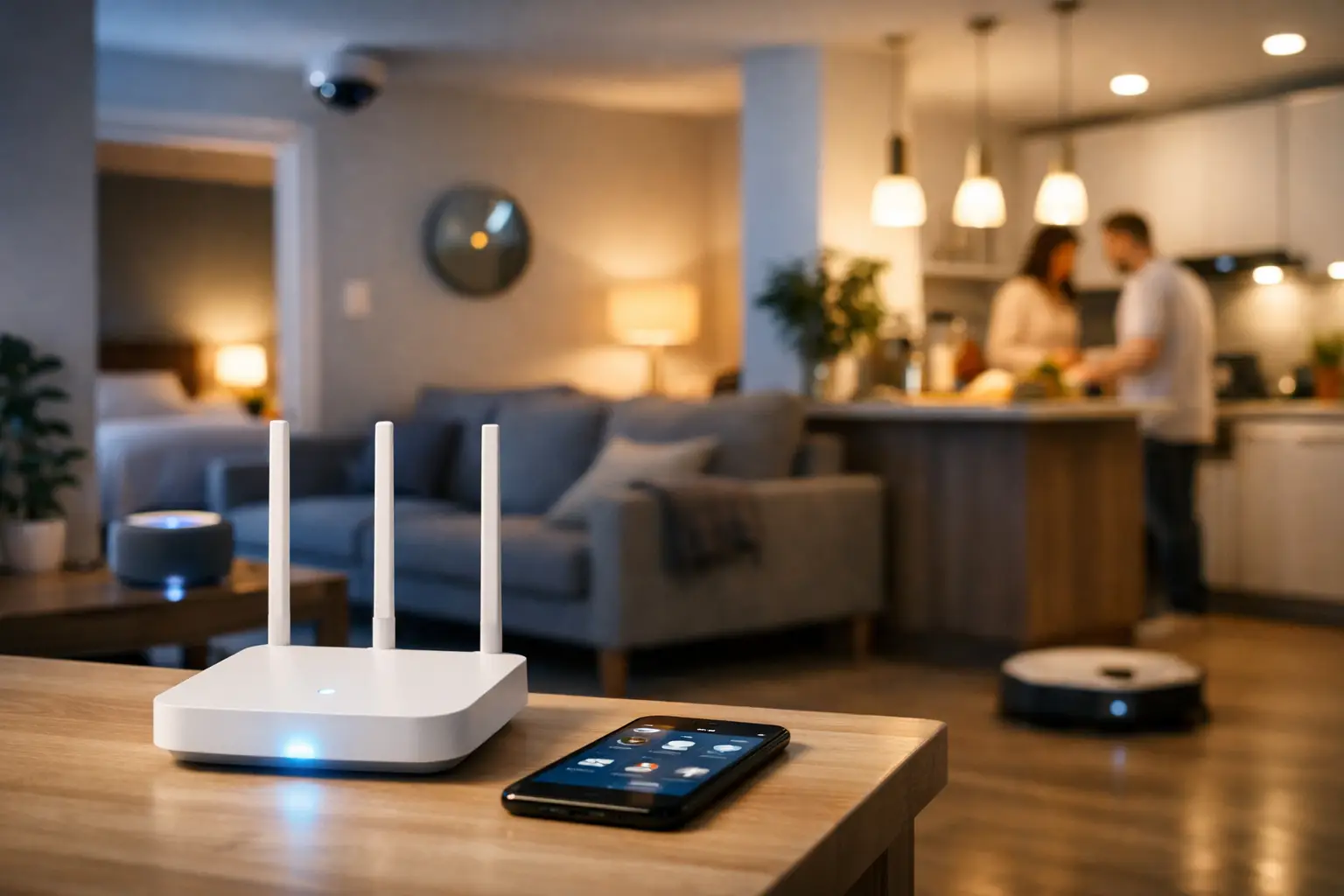
A smart doorbell misses the one delivery you needed to see. The video call freezes just as you are presenting. Your TV buffers while someone else starts a game upstairs. These are not always device problems. Often, they are signs that your internet for smart homes is not sized or set up for the way your household actually lives.
A connected home can include far more than phones and laptops. Cameras, smart speakers, thermostats, TVs, game consoles, tablets, video doorbells, appliances, and work equipment all rely on your connection. The good news is that choosing the right service does not need to be complicated. It comes down to the speed, data, coverage, and support that fit your address and your daily routine.
What Internet for Smart Homes Needs to Handle
Smart home devices do not all use the same amount of internet. A smart thermostat or light bulb uses very little data most of the time. Security cameras and video doorbells are different. They continuously send or store video, especially when motion alerts are active. Add 4K streaming, online gaming, remote work, and virtual learning, and a basic connection can start to feel crowded fast.
The key is to look at the whole household, not one device at a time. A family may have two people streaming, one person gaming, another on a work call, and cameras running in the background. Those activities can happen at the same time, usually during the evening when everyone is home.
For many homes, 100 Mbps is a practical starting point for browsing, HD streaming, video calls, and several connected devices. Households with frequent 4K streaming, multiple gamers, home offices, or several security cameras may benefit from 300 Mbps or more. A gigabit plan can make sense for larger households, power users, and anyone who wants plenty of room for high-demand activity without constantly asking who is using the Wi-Fi.
Speed is only one part of the decision. Upload performance matters when you join video meetings, back up photos, share large files, or use cameras that upload footage to the cloud. Ask about both download and upload expectations for the service available at your location.
Unlimited Data Makes Connected Living Easier
Smart homes generate more usage than most people realize. Streaming platforms use significant data, especially with 4K video. Game downloads can be large, and software updates for phones, consoles, TVs, and smart devices tend to arrive when you least expect them. Cloud camera recording adds another ongoing demand.
A plan with unlimited data removes one concern from the equation. Your family should be able to watch, work, learn, game, and keep an eye on the front door without tracking every gigabyte. It is a simple benefit, but it makes a real difference for busy households that use their connection throughout the day.
Unlimited data is especially useful for rural homes where internet access has historically come with tighter limits or slower options. Coverage and available technologies vary by address, so a local availability check is still the best first step. The right plan is the one that delivers dependable performance where you live, not the one with the most impressive number in an ad.
Wi-Fi Coverage Can Matter More Than Your Plan Speed
You can subscribe to ultra-fast internet and still have a weak signal in the bedroom, basement, garage, or backyard office. That is because your service speed reaches your modem, while Wi-Fi has to travel through walls, floors, furniture, and other wireless interference before it reaches each device.
Start by placing your router in a central, open area when possible. Avoid hiding it in a cabinet, behind a television, or in a far corner of the home. Concrete walls, brick, metal, and older construction can reduce signal strength. Large homes and long ranch-style layouts often need more than a single router to provide reliable coverage everywhere.
A mesh Wi-Fi system or professionally placed Wi-Fi extenders can help bring coverage to the rooms that need it. This can be valuable for smart cameras near the driveway, doorbells at the front entrance, or a home office located away from the main router. Before buying extra equipment, test your connection where devices are installed. A full signal bar on your phone near the router does not tell you what the camera at the edge of the property is experiencing.
It also helps to separate Wi-Fi issues from internet issues. If every device slows down at once, the connection or network may be under heavy demand. If only one room has trouble, improving Wi-Fi placement or adding coverage is often the better fix.
Build Around the Devices You Use Most
Smart home shopping can get expensive when every device promises convenience. Begin with the devices that solve a real need for your household. For some families, that means dependable streaming and parental controls. For remote workers, it may mean stable video calls and strong home-office coverage. For homeowners who travel or spend long days away, security cameras and smart locks may come first.
Think about how your devices work together. A video doorbell is more useful when it has a strong Wi-Fi signal and a plan that can handle regular uploads. A smart TV performs better when other high-demand activities are not overwhelming the network. A security system is more dependable when its hub, cameras, and mobile alerts have consistent connectivity.
If you have a growing collection of connected devices, use a modern router with current Wi-Fi standards and keep its software updated. Replace older equipment when it can no longer keep pace with your service speed or device count. An old router can become the bottleneck even when your internet plan is more than fast enough.
Keep Your Smart Home Secure
Convenience should not come at the expense of privacy. Each connected camera, speaker, lock, or appliance is another device on your network, so basic security habits matter.
Change default passwords immediately and use a different, strong password for your Wi-Fi network. Keep router firmware and device apps current, since updates often address security issues and performance problems. If your router supports a guest network, consider using it for visitors and some smart devices. This can keep personal computers and phones separate from devices that only need internet access.
Review camera settings before installation. Decide whether video is stored locally or in the cloud, who can access it, and how long recordings remain available. Enable two-factor authentication on accounts that support it, especially for security systems, email accounts, and apps that control locks or cameras.
These steps are not difficult, but they prevent avoidable problems. A smart home should give you more control over your home, not less.
Choose a Plan for Your Household, Not a Marketing Label
The best internet package depends on how many people and devices share the connection, how your home is laid out, and what service is available in your community. A couple who stream occasionally has different needs than a household with students, gamers, remote workers, and eight connected security devices.
When comparing options, focus on a few practical questions. Can the plan support your busiest evening? Is data unlimited? What upload performance can you expect? Is installation help available? And if something goes wrong, can you reach a real support team that understands service in your area?
For homes across Southwestern Ontario, S-Connect offers internet options designed for everyday connected living, from reliable 100 Mbps service to ultra-fast 1 Gbps plans where available. That means families in town and customers in surrounding rural communities can choose service based on their needs, with straightforward help along the way.
A smart home works best when its connection is ready before the next device arrives. Choose enough speed for your busiest moments, extend Wi-Fi where your home needs it, and give your family the freedom to stay connected in every room.