

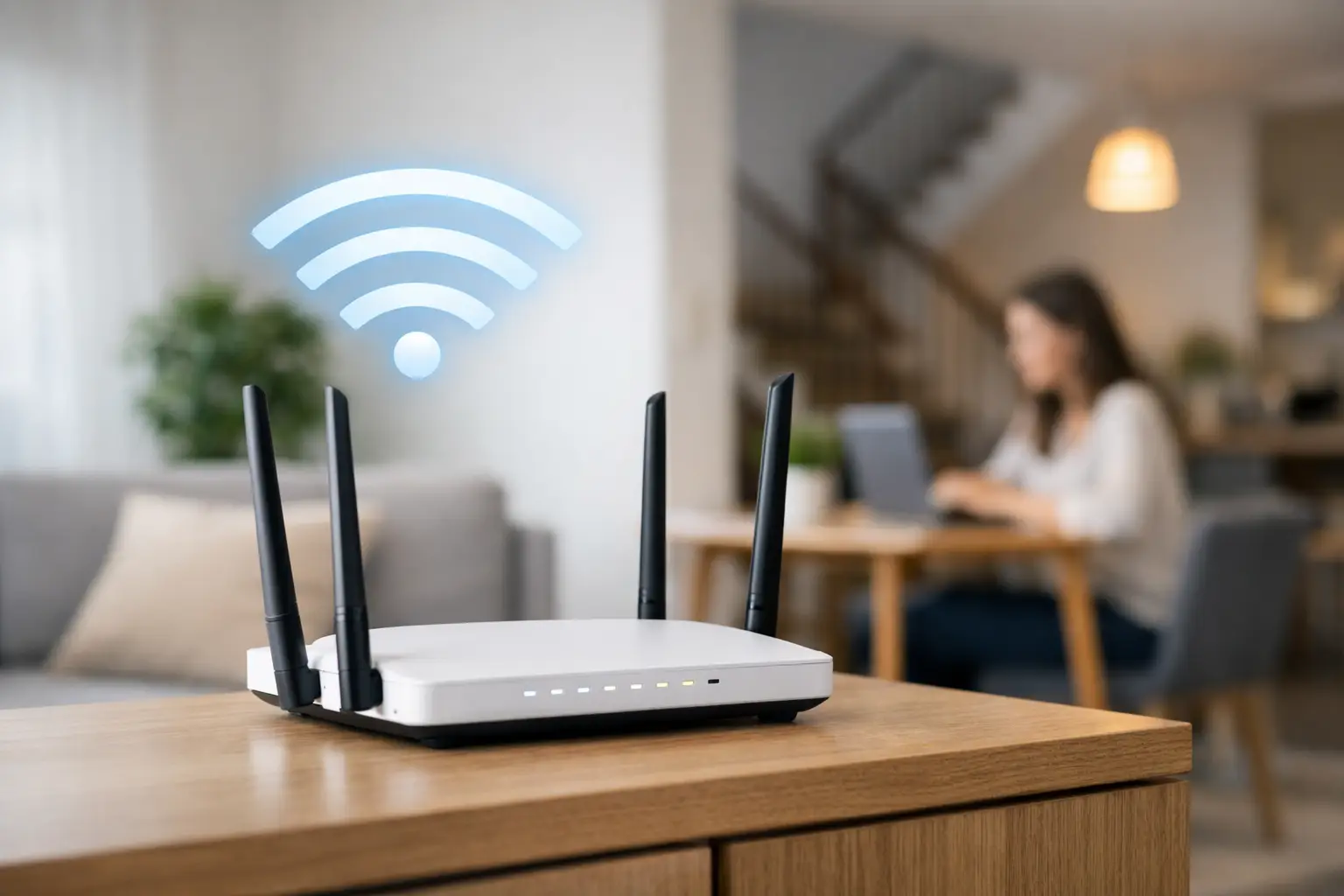
Your internet plan can be fast on paper and still feel slow in real life if the router is sitting in the wrong spot. The best router placement for speed is usually not where it is most convenient to hide – it is where the signal can travel cleanly through your home, reach the devices that matter most, and avoid the obstacles that quietly drag performance down.
For families streaming in the living room, students attending online classes upstairs, remote workers on video calls, and gamers trying to avoid lag, router placement has a real impact. A strong plan matters, but so does what happens after the modem is installed. In many homes, moving the router just a few feet can make a noticeable difference.
Why the best router placement for speed matters
Wi-Fi is a radio signal, and radio signals do not move through every material equally. Drywall is easier to pass through than brick. Open spaces are better than tight corners. A router tucked behind a TV stand or placed in a basement utility room may still work, but it often has to fight through furniture, walls, appliances, and distance before the signal ever reaches your phone, laptop, or smart TV.
That is why some homes with high-speed internet still deal with buffering, weak signal bars, or rooms where pages load slowly. The issue is not always the internet package. Sometimes the problem is simply that the Wi-Fi signal is starting from the wrong place.
Start with the center of the home
If you want the best router placement for speed, think central first. A router sends signal outward, so placing it near the middle of your home usually gives you the most even coverage. In a smaller apartment, that may be easy. In a larger house, especially one with multiple floors, it takes a little more thought.
The goal is not perfection. The goal is balance. If most of your internet use happens in the back office, front living room, and upstairs bedrooms, a router placed near one far edge of the home will waste signal outside or into low-use areas. A more centered position gives your devices a better chance of staying connected without drops or slowdowns.
For two-story homes, the ideal spot is often on the main floor, roughly between the front and back of the house. If your highest-use devices are upstairs, placing the router on a shelf or table rather than on the floor helps the signal reach upward more effectively.
Height helps more than most people realize
Routers should not live on the floor. Signal spreads better when the device is elevated, which is why a shelf, desk, or mounted position often performs better than a bottom cabinet or carpeted corner.
This matters even more in homes with pets, dense furniture, or a lot of physical clutter. A low router has to push signal through more objects immediately. Raising it gives the Wi-Fi a cleaner launch point.
That does not mean you need to mount it near the ceiling. In most homes, chest height to head height works well. The main point is simple – give the signal room to move.
Keep it out in the open
One of the most common setup mistakes is hiding the router. It is understandable. Routers are rarely the nicest-looking piece of equipment in the house, and many people prefer to tuck them inside cabinets, behind books, or next to entertainment gear. The trade-off is weaker performance.
Wood cabinets, metal shelving, thick furniture, and enclosed media consoles can block or distort the signal. Even if the router works, speeds may drop in nearby rooms because the signal is being absorbed or reflected before it can spread properly.
A visible router in a better location will usually outperform a hidden router in a bad one. If appearance is a concern, place it neatly on an open shelf with some space around it instead of sealing it away.
Watch out for walls, metal, and appliances
Some materials and electronics interfere with Wi-Fi more than others. Brick, concrete, plaster, mirrors, metal ductwork, and large appliances can all reduce signal strength. Kitchens are a common trouble spot because refrigerators, microwaves, and dense walls create extra interference.
That does not mean your router can never be near these things, but distance helps. If your current setup places the router beside a metal filing cabinet, behind a television, or near a microwave, you may be losing performance without realizing it.
Cordless phones, baby monitors, and older wireless gear can also add interference, especially on crowded 2.4 GHz networks. In busy homes with many connected devices, proper placement becomes even more important because the signal has more competition.
Place it near your highest-priority devices when needed
A perfectly centered router is not always the right answer. It depends on how your home is used. If one room handles the heaviest traffic – such as a home office, gaming setup, or main TV area – it can make sense to place the router closer to that space, even if coverage elsewhere becomes slightly less balanced.
This is especially true in larger homes, long bungalows, and rural properties with additions or unusual layouts. The best setup is the one that supports the way you actually live. If your work calls keep dropping in the office, solving that problem may matter more than boosting signal in a guest room that gets little use.
That is where practical testing matters. Run speed checks in the rooms you use most. If one location gives strong results in your priority areas and acceptable results elsewhere, that is often the smart compromise.
Antennas and bands can help, but placement still comes first
If your router has adjustable antennas, small changes can improve coverage. A common starting point is to position one antenna vertically and another horizontally, or angle them differently to spread signal across floors and rooms. This will not fix a poor location, but it can refine a good one.
Dual-band and tri-band routers also help by offering different frequencies for different needs. The 2.4 GHz band reaches farther but is often slower and more crowded. The 5 GHz band is faster but does not travel through walls as well. Newer systems may also use 6 GHz, which can be very fast at close range but less forgiving over distance.
That is why placement still matters, even with newer hardware. Fast Wi-Fi standards cannot fully overcome a router hidden in a basement corner.
When one router is not enough
Some homes are simply too large or too challenging for a single router to cover well. Thick walls, multiple stories, long layouts, detached offices, and certain rural home designs can create weak zones no matter how carefully the router is placed.
In those cases, the answer may be a mesh system, an additional access point, or a wired connection for fixed devices like desktop computers, game consoles, or smart TVs. Placement still matters here too. The main router should be in the best possible location, and any secondary units should be close enough to receive a strong signal while extending coverage deeper into the home.
This is where local support can make a real difference. Providers like S-Connect serve both town and rural customers, so installation advice needs to match real homes, not just ideal floor plans. A farmhouse, a split-level, and a newer subdivision home can all need different Wi-Fi strategies.
Quick signs your router is in the wrong spot
If your internet feels unreliable, placement may be part of the problem. Common signs include strong speeds in one room but weak speeds just a short distance away, dropped video calls in certain areas, streaming issues on one floor, or a router that is currently placed behind furniture, inside a cabinet, or near heavy electronics.
Heat can be another clue. Routers need ventilation. If yours is crammed into a tight enclosure and running hot, performance can suffer over time.
The easiest way to find the right spot
The best approach is simple. Move the router, then test. Start with an open, elevated, central location. Check speeds in the rooms where you work, stream, study, and game. If one area still struggles, shift the router a little and test again.
You do not need lab-grade tools for this. Real-world performance is what matters. Can your video call stay stable? Does your show stream without buffering? Do pages load quickly where you actually use them? Those are the results that count.
A fast internet connection deserves a setup that lets it perform at its best. Sometimes the fix is not a new plan or a new device. Sometimes it is just giving your router a better place to do its job.