

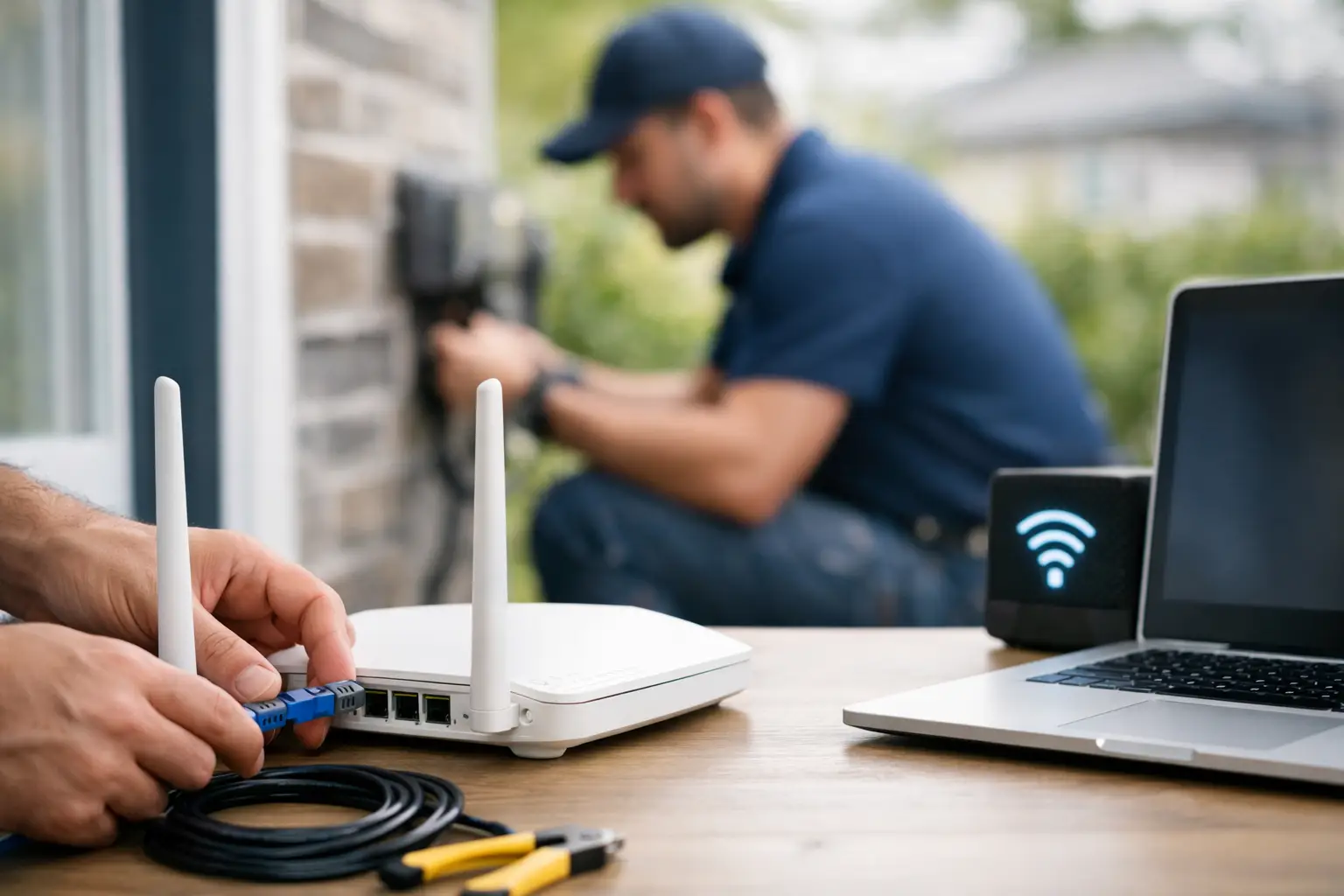
Getting internet installed should not feel like a guessing game. If you are comparing providers, moving into a new home, or upgrading old service, this guide to internet installation process will help you know what happens before, during, and after setup so you can get connected with less hassle.
For most households and small businesses, the installation process is fairly straightforward. The details change based on your address, the type of network available, and whether the property has been connected before. A home in town with active cable lines may be ready quickly, while a rural property may need a little more planning. That is why the first step is never the modem. It is confirming serviceability.
Guide to internet installation process: what happens first
Before any appointment is booked, the provider needs to verify what kind of service your address can support. This matters more than many people realize. Two homes on the same road can have different options depending on existing infrastructure, line access, signal quality, and how the property was wired in the past.
At this stage, you will usually be asked for your exact service address, not just the postal code. That allows the provider to check whether cable, fiber-backed service, or rural internet is available. If the location is already connected to an active network, installation may be faster and simpler. If it is a new build, a seasonal property, or a home that has been disconnected for years, extra work may be needed.
This is also when you should think about how you use your internet. A household with multiple streamers, gamers, remote workers, and smart devices will need a different plan than a smaller home that mostly browses and checks email. Choosing the right speed upfront helps avoid a second appointment later.
Choosing a plan before installation day
A good installation starts with the right package. If your connection is too slow for your household, even perfect setup will not fix the problem. If you overbuy, you may end up paying for more capacity than you use.
For everyday households, the right choice usually depends on how many people are online at the same time. Streaming in 4K, online gaming, video calls, cloud backups, and security cameras all add demand. Unlimited data is especially valuable for families and home-based businesses because it removes the stress of monitoring usage every month.
If you are bundling services such as TV, home phone, mobile, or security, ask about installation timing for those as well. Sometimes they can be set up together, which saves time and reduces repeat visits. For customers in Southwestern Ontario communities, that kind of one-stop support can make the switch much easier.
How scheduling works
Once service is confirmed and your package is selected, the next step is booking the install. In some cases, a self-install kit is possible. In others, a technician visit is required. The difference usually comes down to whether the line is already active and whether the signal can be safely and reliably delivered without on-site work.
A self-install is often the quickest route when the home has a live compatible connection and the equipment only needs to be plugged in and activated. This works well for many apartments, townhomes, and houses that have had recent service. A technician install is more common when a line needs testing, a jack needs activation, equipment must be mounted, or signal quality needs adjustment.
If your area is busy, appointment windows may fill up quickly, especially during moves, back-to-school periods, or seasonal rushes. Booking early helps. It also gives you time to prepare the space so installation day goes faster.
How to prepare your home for internet installation
The best setup point is not always the first spot that comes to mind. Many people want the modem hidden in a basement corner, but that can weaken Wi-Fi throughout the house. If the goal is strong whole-home coverage, modem placement matters.
Try to think about where internet is used most. A central location is usually best for Wi-Fi, especially in homes with multiple floors. If you work from home, game regularly, or run smart home devices, tell the provider where those activities happen. That information can help the installer recommend better equipment placement or explain whether you may benefit from a mesh Wi-Fi setup.
Before the appointment, clear access to utility areas, wall outlets, cable jacks, and any space where wiring enters the home. If you live in an apartment or condo, make sure building access is arranged. If someone over 18 needs to be present, plan for that in advance. Small details like these can be the difference between a completed install and a rebooked one.
What happens during the installation appointment
On installation day, the technician typically starts by checking the incoming line and confirming signal quality. If the service uses cable infrastructure, they may test the coax connection, activate the line, and connect the modem. If there is a more specialized setup involved, they may need to trace wiring, replace connectors, or verify that the property can support the ordered speed.
From there, the modem or gateway is installed and activated. The technician will usually confirm that the device is receiving the proper signal and that the connection is live. Basic testing often includes checking whether the modem is online, verifying speed capability, and making sure connected devices can access the internet.
This part is usually quick when the home is already wired properly. It can take longer if the signal is weak, if internal wiring is damaged, or if the home has older infrastructure. That is normal. The extra time is often what prevents dropouts and poor performance later.
If Wi-Fi is part of the setup, ask the technician where the router should sit and whether walls, appliances, or the layout of the home may affect coverage. The internet line can be working perfectly while Wi-Fi still struggles in certain rooms. That is not always an installation issue. Sometimes it is a placement issue.
Guide to internet installation process for rural properties
Rural internet installs can involve more variables. Distance from infrastructure, terrain, property size, and existing line access all matter. That does not mean the process is complicated, but it does mean expectations should be realistic.
In rural areas, the provider may need more time to confirm service availability and determine the best connection type. Some addresses have excellent options. Others have fewer choices or require additional equipment. The biggest advantage of working with a provider that understands both town and rural service areas is that you get a clearer answer upfront instead of generic promises.
If you are outside a major town center, ask what kind of installation is involved and whether weather or seasonal conditions can affect timing. Frozen ground, long driveways, and hard-to-reach utility access can all slow down outside work. It is better to know that in advance than be surprised later.
After installation: what to check right away
Once the connection is live, do not stop at seeing one device load a webpage. Test the internet where you actually use it. Open a video call on a laptop, stream on the TV, check Wi-Fi in bedrooms or upstairs offices, and make sure key devices connect without trouble.
You should also ask for your network name and password details, understand which equipment belongs to you versus the provider, and confirm what support is available if you run into problems after the technician leaves. If you have bundled services, make sure each one is active and working before the appointment ends.
A speed test can be useful, but only when you interpret it correctly. Results vary by device, time of day, server choice, and whether you are on Wi-Fi or wired Ethernet. If the speed on a phone in a far bedroom is lower than the advertised plan, that does not automatically mean the service itself is underperforming.
Common issues that delay installation
Most delays come from access, not technology. A locked utility room, a missing adult on site, incomplete address details, or an apartment building that requires management approval can all push an install back. Older wiring inside the home can also create problems that are only discovered once testing begins.
The good news is that these issues are manageable when the provider communicates clearly and the customer knows what to expect. That is where local support makes a real difference. A practical team that knows the area, the housing mix, and the infrastructure can often spot likely issues before they turn into scheduling headaches.
If you want the smoothest possible setup, ask direct questions before the appointment. Is this self-install or technician install? How long should it take? Does someone need to be home? Where should the modem go? What happens if the line is inactive? Straight answers save time.
A fast connection starts long before your first stream, meeting, or game session. The more you understand the installation process, the easier it is to choose the right service, prepare your home, and get reliable internet working where you need it most.