

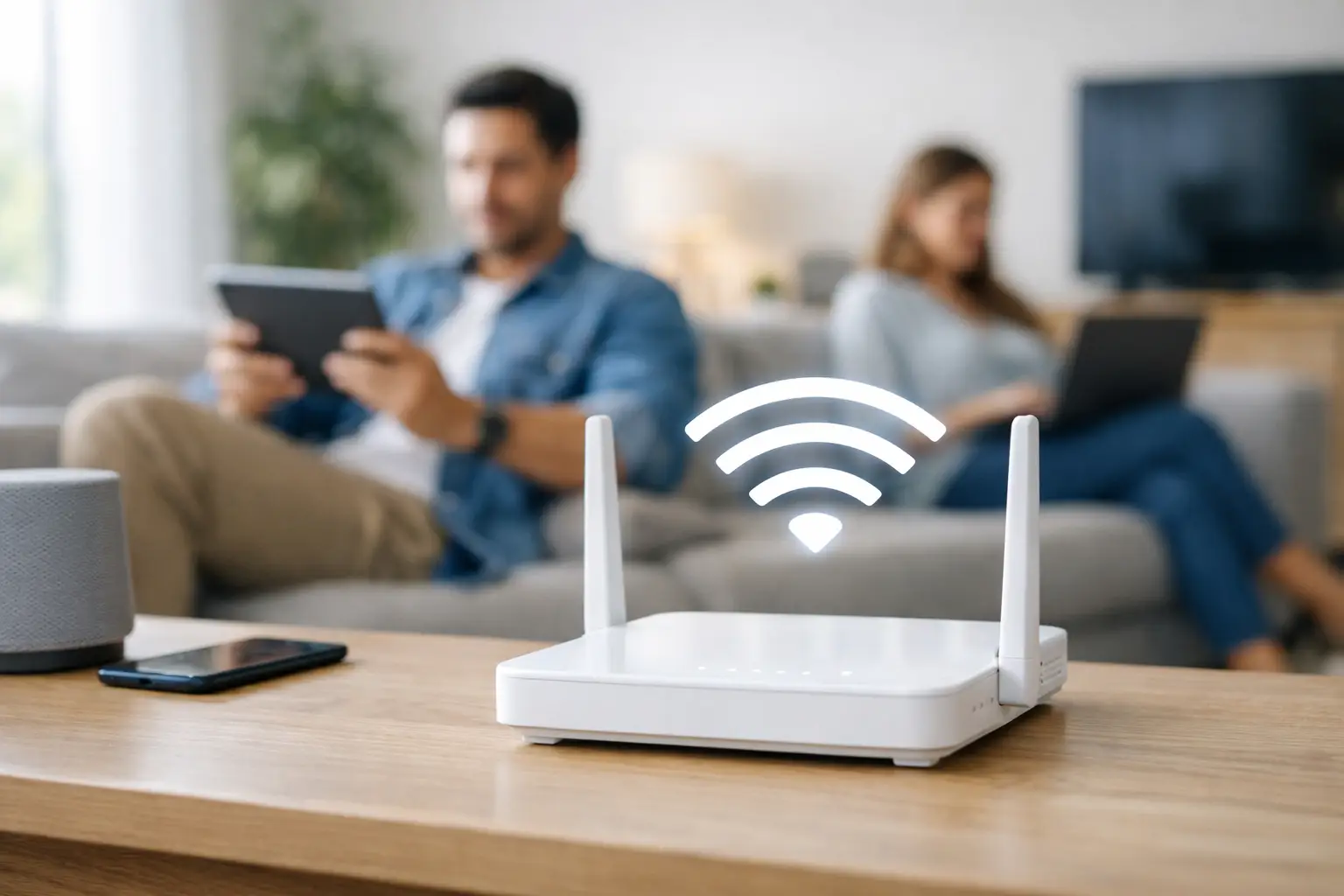
A strong internet plan can still feel slow if your signal drops the moment you walk upstairs, head to the basement, or step into a back office. If you are wondering how to improve home wifi coverage, the good news is that most problems come down to placement, interference, or equipment – not just raw speed.
For families streaming in multiple rooms, remote workers on video calls, students attending classes online, and gamers who need stable performance, coverage matters just as much as download speed. A 1 Gig connection will not feel ultra-fast in the far bedroom if the router signal barely reaches it. The right fix depends on your layout, your devices, and where the weak spots show up.
Why WiFi coverage problems happen
Home WiFi is affected by distance, building materials, and device congestion. A router in the corner of the basement has to push signal through walls, floors, ductwork, and appliances before it reaches the second floor. Brick, concrete, plaster, and metal all weaken that signal faster than many people expect.
There is also a difference between internet speed and WiFi strength. Your provider may be delivering the speed you pay for, but the wireless signal inside your home may not be distributing it well. That is why people often test strong speeds near the router and poor speeds in other rooms.
The band your devices use also plays a role. The 2.4 GHz band reaches farther but is usually slower and more crowded. The 5 GHz band is faster but shorter range. Newer equipment may also support 6 GHz, which can perform very well at close range but does not travel as far through walls. That trade-off matters when choosing the best setup for your home.
How to improve home WiFi coverage with better router placement
The fastest and least expensive fix is often moving the router. Many people place it wherever the installer set it up, then never revisit the location. That can leave your entire network working harder than it needs to.
Start by placing the router as close to the center of your home as possible. If your main use happens on the second floor, putting the router on a shelf in a central upstairs hallway may work better than keeping it near the utility area. Elevation helps too. A router placed on the floor or tucked behind furniture will usually perform worse than one placed out in the open.
Keep it away from large electronics and dense materials. TVs, microwaves, metal shelving, aquariums, and concrete walls can all interfere with signal. If your router is hidden in a cabinet for looks, that convenience may be costing you coverage.
Even small adjustments can matter. Moving a router six feet away from a wall or raising it a couple of feet can improve performance in nearby rooms. It is worth testing before buying new hardware.
Check whether the router itself is the problem
If your router is several years old, it may not be built for the number of devices in your home today. Between smart TVs, phones, laptops, tablets, cameras, doorbells, consoles, and smart home gear, many households have dozens of connected devices running at once.
Older routers can struggle with that load, especially in larger homes. They may also lack newer WiFi standards that improve range, efficiency, and device handling. If your connection drops during busy evening hours or slows down when everyone is online, outdated hardware may be the bottleneck.
This is where it helps to think beyond a basic one-box setup. A modern router can make a noticeable difference, especially in a smaller home or apartment. But if your home has multiple floors, additions, thick walls, or a detached workspace, a single router may still not deliver the unbeatable coverage you want.
WiFi extenders vs. mesh systems
When people search for how to improve home wifi coverage, they usually end up comparing extenders and mesh WiFi. Both can help, but they solve the problem in different ways.
A WiFi extender rebroadcasts your existing signal into a weak area. It is often the lower-cost option and can work well when you have one problem room, such as a bedroom at the far end of the house. The catch is that extenders can reduce performance, especially if they are placed too far from the main router. If the extender receives a weak signal, it simply repeats that weak signal.
A mesh system is usually the better fit for larger homes or homes with several dead zones. Instead of one router doing all the work, mesh uses multiple units placed around the house to create one connected network. Your devices can move between them more smoothly, and coverage is usually more consistent.
The trade-off is cost. Mesh systems are more expensive than extenders, but they are often worth it for families who need stable streaming, work-from-home reliability, and whole-home performance. In a two-story house with a basement, for example, mesh often delivers a much better experience than trying to force one router to cover everything.
Use wired connections where they count
Not every device needs to rely on WiFi. One of the smartest ways to improve wireless performance is to take some traffic off the wireless network.
If your gaming console, desktop computer, smart TV, or work computer stays in one place, consider connecting it with Ethernet. A wired connection is faster, more stable, and frees up WiFi capacity for phones, tablets, and mobile devices. This will not magically extend your wireless signal, but it can make your overall network feel much more reliable.
For homes where running cable is difficult, alternatives like MoCA or powerline adapters may help in certain setups. Results vary based on your home wiring, so they are not universal fixes, but they can be useful in the right environment.
Reduce interference and device overload
Sometimes coverage issues are really interference issues. Apartment buildings, townhomes, and closely spaced neighborhoods can have many networks competing on the same channels. Even in less dense areas, smart home devices and neighboring routers can create overlap.
Logging into your router settings and selecting a less crowded channel can improve stability. Many newer routers handle this automatically, but not all do it well. Restarting the router occasionally can also help, especially if it has been running nonstop for months.
It is also worth reviewing what is connected. Old devices, forgotten guest networks, or dozens of smart accessories can add strain. If your router supports quality-of-service settings, you may be able to prioritize work calls, streaming, or gaming traffic during peak times.
Match the fix to your home size
A smaller apartment often needs only a well-placed modern router. A mid-sized home may benefit from a stronger dual-band or tri-band router. A larger home, rural property, or home with outbuildings may need mesh nodes or a custom setup.
That is why there is no one-size-fits-all answer to how to improve home WiFi coverage. The best solution depends on square footage, wall materials, device count, and where your main usage happens. If your issue is one dead zone, an extender may be enough. If the problem shows up across multiple rooms and floors, mesh is usually the smarter long-term move.
For rural households, coverage planning matters even more. If the incoming service enters the home at one end of the building, the router location may not be ideal by default. A provider with installation support can help position equipment more effectively from the start instead of leaving you to troubleshoot room by room later.
Don’t ignore the internet plan behind the WiFi
Coverage and speed are different, but they still work together. If your home has strong WiFi in every room but your plan is too small for your usage, performance can still suffer. A household with multiple 4K streams, video meetings, gaming sessions, and smart devices will put more pressure on the connection than casual browsing.
That is where a dependable provider makes a difference. S-Connect helps households and businesses across Southwestern Ontario get connected with fast, unlimited service options designed for real everyday use. Strong in-home WiFi works best when it starts with reliable internet coming into the house.
Before spending money on extra equipment, test your speed near the router and compare it with speeds in weak areas. If the speed is already low beside the router, the issue may be your plan, your modem, or a service problem rather than coverage alone. If the speed is strong near the router and weak farther away, your fix is more likely inside the home.
The best home WiFi setup is the one that fits how you actually live. If your kids stream upstairs, you work from a back office, and your TV is in the basement, your network should be built around those habits – not around where the first cable happened to come through the wall. A few smart changes can turn frustrating dead zones into dependable, whole-home coverage.