

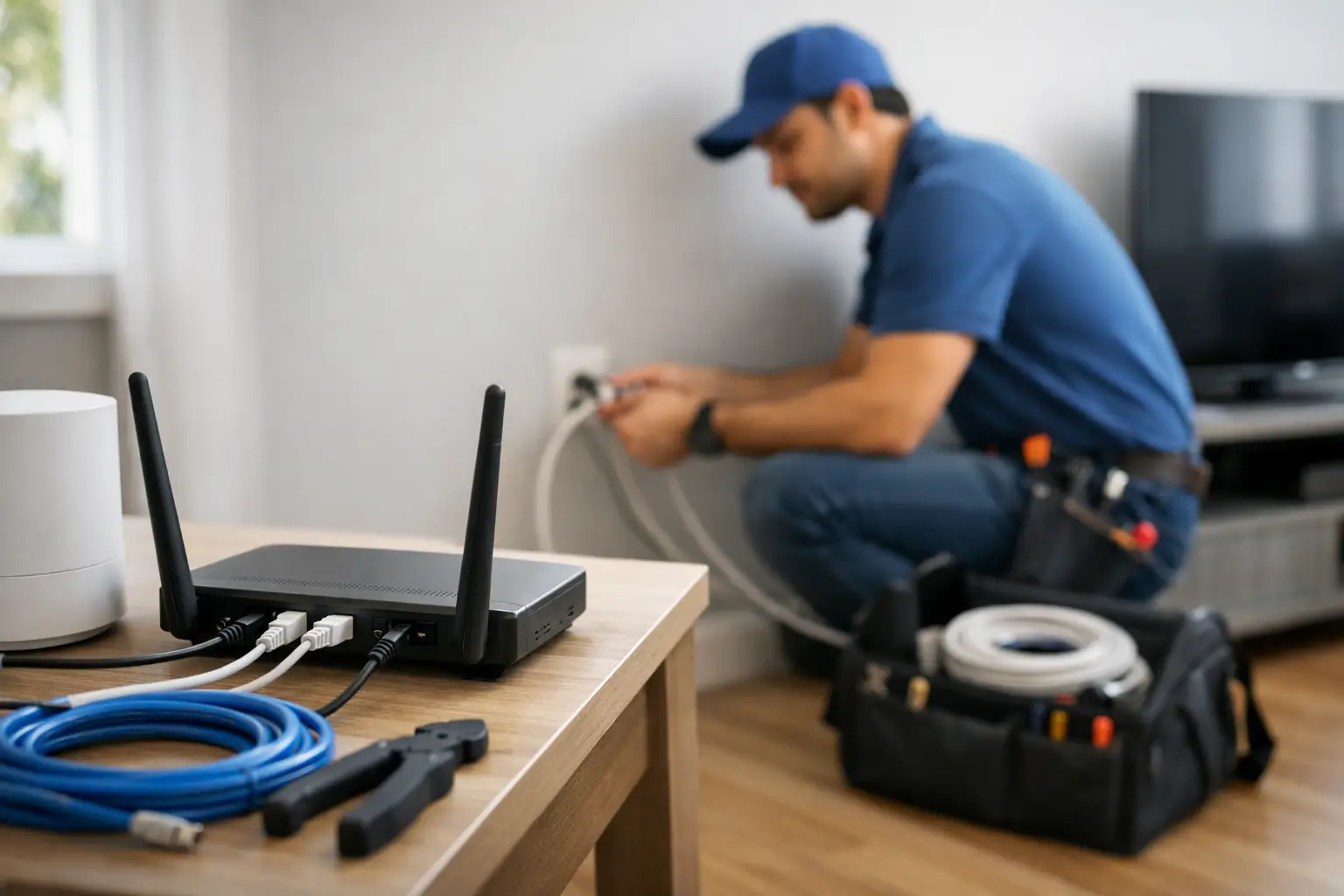
The day your new internet service arrives should feel exciting, not like a half-day spent hunting for extension cords and passwords. This guide to internet installation appointment prep helps you know what to expect, what to have ready, and how to get the strongest possible connection from the start.
Whether you are setting up internet for a busy Stratford household, a rural property near Listowel, a student apartment in London, or a small business, a little planning makes a real difference. The technician can handle the service connection, but your choices about access, equipment placement, and devices affect how well Wi-Fi performs every day.
Before Your Internet Installation Appointment
Your installation appointment is easier when the technician can reach the areas where service enters the property and where you want your modem installed. If you rent, confirm that you have permission to make any needed changes, such as a small wall entry point or a cable run. In condos, apartments, and multi-unit buildings, building access rules can also affect the appointment.
Plan to have an adult 18 or older at home for the scheduled service window. They should be able to make decisions about equipment placement and provide access to utility rooms, basements, garages, crawl spaces, or exterior connection points if needed. If a gate is locked or pets are in the yard, arrange access before the technician arrives.
It also helps to clear a path to the installation area. Move boxes, furniture, or stored items away from the wall outlet or utility panel. This is especially useful in older homes and rural properties, where the existing line may need to be checked before service can be activated.
Have your account details and a photo ID nearby. Keep the name and phone number on the account available in case the technician or support team needs to confirm information. If you are transferring service from another provider, do not cancel your current connection too early unless your installation plan calls for it. Keeping it active until the new service is working can prevent an unnecessary gap in connectivity.
Choose the Best Spot for Your Modem
The modem or gateway is the starting point for your home Wi-Fi. A poor location can leave one bedroom, basement office, or upstairs game room with slower speeds even when the internet plan itself is ultra-fast.
Choose a central, open location whenever possible. A main-floor living area or home office often works better than a basement corner, enclosed cabinet, or utility closet. Wi-Fi signals can travel through walls, but dense materials such as brick, concrete, metal, mirrors, and large appliances can weaken the signal.
Keep the equipment elevated on a shelf, desk, or open table rather than on the floor. Give it room to ventilate, and avoid placing it behind a television or beside speakers, cordless phone bases, or other electronics that may create interference. If the available service outlet is in a less-than-ideal location, ask the technician what options are practical for your home.
Some homes need more than one Wi-Fi access point. Large floor plans, thick walls, detached garages, finished basements, and long rural homes may benefit from mesh Wi-Fi equipment or a wired connection to important devices. The right solution depends on the building layout, how many people are online, and where you use internet most.
What Happens During the Visit
Most appointments begin with a quick review of the service location and the equipment setup. The technician may inspect the existing cable or line, test the signal, and determine whether the service can be activated using current wiring. If there is no usable line or the signal needs improvement, the visit may take longer than a simple activation.
Once the connection is ready, the technician installs or connects the modem, confirms that the service is online, and runs basic tests. You may be asked to connect a phone, laptop, or another device to verify that Wi-Fi is working. This is the right time to ask where the equipment is placed, how to restart it if needed, and whether the signal reaches the rooms that matter most.
Installation time varies. A straightforward setup in a home with an active, accessible line may be quick. A first-time installation, a rural address, a property with older wiring, or a setup requiring exterior work can take longer. Weather, access to poles or outside lines, and building conditions can also affect timing.
If you work from home, attend online classes, or manage a business from the property, let the technician know which rooms need the strongest connection. That context can help you make smarter placement decisions before equipment is secured.
Set Up Your Wi-Fi for Everyday Use
After activation, use a strong, memorable Wi-Fi name and password. Avoid using personal details such as your full name, address, or date of birth. A unique password protects your connection and helps keep unknown devices off your network.
Connect your priority devices first. That may include a work computer, smart TV, gaming console, security system, or streaming device. For stationary equipment that needs the most dependable performance, such as a desktop computer or gaming system, a wired Ethernet connection can be a smart choice. Wi-Fi is convenient, but a direct connection can offer more consistent speed and lower latency.
Run a speed test near the modem first, then test in the rooms where you normally work, stream, or game. The speed at your device will not always match the maximum speed of your package. Distance from the modem, Wi-Fi signal strength, device age, background downloads, and the number of connected devices all matter.
For example, a household streaming in several rooms while someone is on a video call and another person is gaming needs more capacity than a home that mainly checks email and watches occasional video. Unlimited data gives your household room to use the internet freely, while the right speed tier helps everyone stay connected without frustrating slowdowns.
A Simple Checklist for Installation Day
Before your appointment, make sure you have these essentials ready:
- An adult account holder available during the appointment window
- Clear access to service outlets, utility spaces, and the planned modem location
- Permission from your landlord or property manager, if required
- Your account information, photo ID, and a phone number where you can be reached
- A central, open location with a nearby power outlet for the modem
- A plan for pets, locked gates, parking, and any building access instructions
This preparation is particularly valuable when service is being installed at a rural home. Driveways, outbuildings, buried lines, trees, and seasonal weather can create additional considerations. Give accurate directions and mention anything that may affect access when booking your visit.
Common Questions About an Internet Installation Appointment
Do I need to be home for internet installation?
Yes, in most cases. An adult needs to provide access, approve equipment placement, and confirm that the connection works before the technician leaves. If someone else will be home, make sure they can make decisions and have any necessary account information.
Can the modem go in a basement?
It can, especially if the available service line is there, but it is not always the best option for whole-home Wi-Fi. A basement installation may work well with a mesh system, additional access point, or wired connections to other areas of the home. Ask about practical options based on your layout.
What if my Wi-Fi does not reach every room?
Start by checking modem placement and testing the signal in different rooms. If coverage is weak at the edge of the home, Wi-Fi extenders, mesh equipment, or wired access points may help. The best option depends on your home size, wall materials, and the devices you use.
Should I cancel my old internet service before the appointment?
Usually, wait until the new internet connection has been installed and tested. This gives you a backup connection in case the appointment needs extra time or unexpected work is required.
A prepared appointment gets you closer to what you actually want: dependable internet where your household lives, works, learns, streams, and plays. With the right setup from day one, S-Connect can help bring fast, reliable connectivity to the rooms and routines that matter most.