

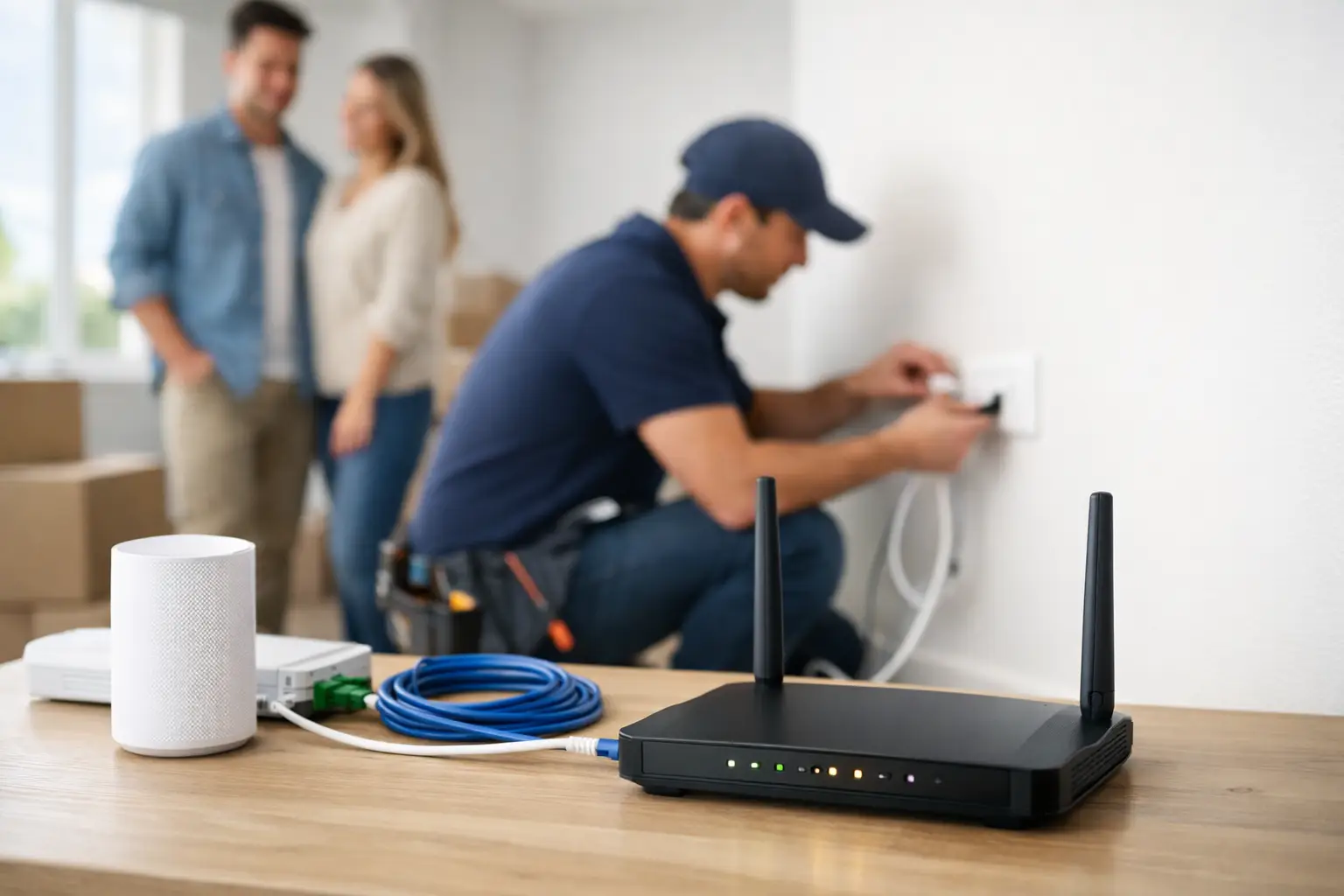
Moving into a new place is exciting right up until you realize Wi-Fi does not appear by magic. Internet installation for new home service works best when you plan it before move-in day, not after the boxes are stacked and everyone is asking for the password. A little prep can save you from appointment delays, weak signal in the back bedroom, or paying for a plan that does not match how your household actually uses the internet.
If you are setting up service in Southwestern Ontario, timing matters even more. Some homes are ready for a quick activation. Others need a technician visit, a cable line check, or a closer look at available infrastructure on your street. That is why the smartest approach is not just choosing a plan. It is choosing the right setup for the home itself.
What to plan before internet installation for new home service
The first question is simple: what kind of connection is available at your address? That answer shapes everything else, from speed options to installation time. In some neighborhoods, cable is the fastest path to getting connected. In others, fiber-backed network access or rural internet options may be the practical choice. Availability can change from one road to the next, so it is worth checking the exact address early.
The second question is how your household will use the connection. A single person checking email and streaming a show at night does not need the same setup as a family with smart TVs, security cameras, school devices, gaming consoles, and two people working from home. Faster is great, but the real goal is consistency. You want enough speed and enough capacity that your connection still feels dependable during the busiest part of the day.
This is also the moment to think about bundled services. If you already know you want TV, phone, mobile, or home security, setting them up together can reduce hassle and keep your services under one provider. For many households, convenience matters just as much as the monthly rate.
Choosing the right speed for your household
A lot of people shop for internet by looking at the highest number first. That makes sense, but it is only part of the decision. The better question is how many people are online at once and what they are doing.
For lighter use, a 100 Mbps plan can cover web browsing, video calls, streaming, and schoolwork without trouble. For a busy household, especially one with remote work and multiple streams running at the same time, moving into the 300 Mbps to 500 Mbps range often feels much better day to day. If your home includes competitive gaming, frequent large downloads, smart home devices, or several heavy users at once, a gigabit plan may be worth it.
Unlimited data is another factor that should not be treated as an extra. If your household streams regularly, uploads files, attends online classes, or runs connected devices around the clock, data caps can become expensive fast. Unlimited usage gives families and home-based workers room to use the service without second-guessing every movie night or software update.
There is a trade-off, though. The biggest plan is not always the best value if your home does not need it. A right-sized package usually gives you a better experience than overpaying for speed you will never notice.
Where installation problems usually start
Most internet headaches in a new home come from one of three places: the wrong plan, the wrong modem location, or unrealistic expectations about Wi-Fi coverage. The service itself can be fast, but if the modem is tucked into a basement corner beside an electrical panel, your signal upstairs may still be poor.
That is why modem placement matters. Ideally, your modem and router should sit in a central, open part of the home. If that is not possible because of where the line enters the house, you may need a Wi-Fi extender, mesh system, or a slightly different room layout for your devices. Larger homes, older homes with dense walls, and multi-story layouts often need more than a single gateway to get full coverage.
Wiring is another issue that people tend to discover late. A home may have old coax outlets, disconnected jacks, or previous provider wiring that is no longer useful. In newer builds, the infrastructure may be present but not fully activated. In rural homes, distance and line condition can also affect installation timelines. None of this means service is unavailable. It just means a provider may need to assess what is already there and what needs to be completed.
How to get ready for installation day
The easiest installation is the one that has no surprises. Before your appointment, confirm that utilities are active, the home is accessible, and someone over 18 can be present if a technician visit is required. If the service line enters through a garage, basement, or utility room, make sure those areas are clear.
It also helps to decide where you want your main equipment before the installer arrives. Think less about hiding the modem and more about where your household actually uses the internet. A central location near your main living area often performs better than a tucked-away corner. If you work from home, mention that room. If your kids stream in the basement or you have a detached office, say that too. Good installers can work faster when they know how the home is used.
You should also ask what equipment is included and whether your setup supports whole-home coverage. This matters in larger houses and in homes with dead zones. A fast connection at the modem is only part of the experience. What matters to your family is whether the signal reaches the rooms where life happens.
Internet installation for new home setups in rural areas
Rural internet installation follows the same basic logic, but the details can be different. Coverage, line access, and local infrastructure vary more outside dense urban pockets. That is why address-level availability checks matter so much for country properties, edge-of-town homes, and underserved roads.
The good news is that rural customers should not assume they have to settle for weak service or limited support. In many Southwestern Ontario communities, there are strong options available through existing carrier relationships and local installation support. The key is working with a provider that understands the area and can tell you clearly what your property qualifies for.
Installation timelines can sometimes be a little longer in rural locations, especially if access checks or equipment adjustments are needed. But the right provider will set expectations upfront instead of leaving you guessing.
Why local support makes the process easier
When you are setting up internet in a new home, speed is only one part of the purchase. The other part is support. If there is a delay, a coverage question, or a setup issue after move-in, you want a real answer from a team that knows the region and understands the service footprint.
That is where a provider like S-Connect stands out. For households across Southwestern Ontario, local service means practical help, clear availability guidance, and plans built around how families, students, remote workers, and small business owners actually use the internet. It is a straightforward approach: strong speeds, unlimited data options, and installation help that keeps things moving.
This matters even more if you want more than just internet. Bundling services can simplify billing, reduce setup time, and give your household one point of contact for connectivity, TV, phone, mobile, or security needs. For busy families, that convenience is hard to ignore.
A smarter way to think about your setup
The best new-home internet setup is not the most expensive one. It is the one that fits the home, fits the people living in it, and is ready when you need it. That may mean choosing a mid-tier plan with great Wi-Fi coverage instead of the highest speed available. It may mean booking installation earlier than you think. It may mean asking better questions about wiring, modem placement, and bundled services before the technician arrives.
If you handle those decisions upfront, move-in day gets a lot easier. You can stream, work, study, game, and connect without waiting around for the basics to catch up. Start with the address, be honest about how your household uses the internet, and choose service that is built for real life in your area. That is how a new house starts feeling like home a little faster.