

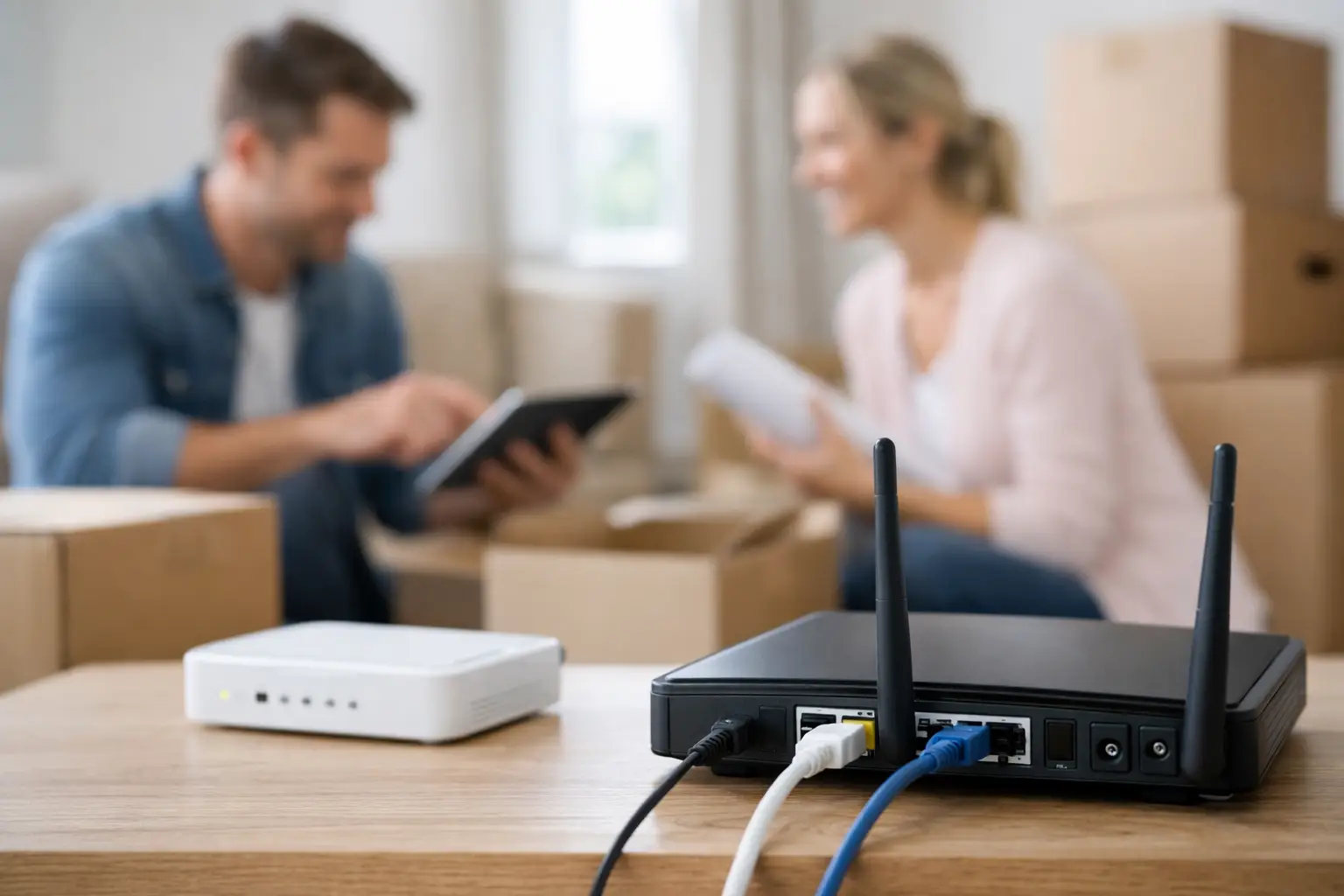
Moving day gets complicated fast when the Wi-Fi shuts off before the boxes are even inside. If you’re wondering how to move internet service without losing work time, streaming access, or security system connectivity, the key is to plan the transfer earlier than most people think.
Internet service is one of those utilities people assume they can move in a single phone call. Sometimes that works. Often, it doesn’t. Availability can change by address, install dates can fill up, and the plan you have now may not be the best fit for the home you’re moving into. A little preparation saves a lot of frustration.
How to move internet service the right way
The easiest move is the one scheduled before your packing gets serious. As soon as you have a confirmed move date and your new address, contact your provider and ask a simple question first: is service available at the new location? That matters more than many customers expect.
Even if you’re staying in the same city, internet options can shift from one street to the next. A package that worked perfectly in your current home may not be available in your new one. In some neighborhoods you may have cable-based service, in others fiber-adjacent access, and in more rural areas fixed wireless or other regional options may be the better fit. The address decides a lot.
Once availability is confirmed, schedule your move appointment. Try to set the activation date for the day before you move in or the same day, depending on access to the property. If you’re a remote worker, student, gamer, or running smart home devices, give yourself a buffer. Waiting until after move-in to request service is where delays usually start.
If your provider can transfer your current account, that can be the fastest route. Your billing history stays intact, your package may stay similar, and the process is usually simpler. But if the new address needs a different network type or different speed tier, you may be setting up what feels more like a new installation than a simple transfer. That’s normal.
What to do before you transfer service
Start with timing. Two to three weeks before your move is ideal, especially in busy seasons like summer, month-end, and back-to-school periods. Installation windows can fill up quickly, and waiting for a “closer to moving day” call often limits your options.
Have the basic details ready when you contact your provider: your current account information, old address, new address, move date, and whether you want your existing service level or something different. If your household is changing, this is the right moment to adjust. A larger home, more devices, or more people working and streaming at once may call for faster speeds or unlimited data if you don’t already have it.
It also helps to ask whether your current equipment can move with you. In some cases, you can take the modem or router and reconnect it at the new home. In others, your provider may need to swap equipment based on local infrastructure. Don’t assume the hardware in your current living room will be the hardware used in the next one.
Common problems when you move internet service
The biggest issue is assuming service transfers automatically. It doesn’t. Internet is tied to a physical address, and every address has its own serviceability, wiring status, and equipment requirements.
Another common problem is disconnecting the old service too early. If you cancel before the new location is active, you can end up without internet for days. That may be manageable for some households, but not for families relying on connected devices, home monitoring, online schoolwork, or business operations.
There is also the issue of landlord or property access. If you’re moving into an apartment, condo, or leased house, check whether there are building rules, telecom closets, or appointment access requirements. A missed install because no one could open a utility room is more common than it should be.
Then there’s the speed question. Some customers move and keep the same plan out of habit, even though their needs have changed. Others choose the cheapest option and find out too late that video calls, 4K streaming, gaming, and multiple users all at once demand more capacity. Moving is one of the best times to reassess what your household actually needs.
Should you transfer or start fresh?
It depends on the address and the provider. If your current provider offers strong coverage at the new home and the plan still suits your needs, a transfer is usually the simplest option. You keep things familiar and reduce setup friction.
But a move is also a good chance to compare value. Maybe your current service has data caps, slower upload performance, or limited support hours. Maybe your new area has better local options that offer stronger speeds, unlimited use, or bundled services like TV, phone, security, or mobile. If your household wants convenience and fewer bills to manage, bundling can make the move easier as well as more cost-effective.
For customers in town and rural communities alike, local support can make a real difference. When you’re trying to get connected quickly, direct assistance from a provider that knows the area often matters more than a national brand promise.
How to move internet service if you work from home
If your income depends on your connection, treat the transfer like a business utility, not a household afterthought. Ask for the earliest available install date, confirm whether a technician visit is required, and get a realistic activation window in writing if possible.
You should also plan for a backup. That could mean using mobile hotspot data for a day or two, scheduling your move around lighter work demands, or making sure a temporary workspace is available if installation runs long. Most transfers go smoothly, but if your workday cannot absorb downtime, a backup plan is worth having.
Small business owners moving a home office should also check on extras tied to the account, such as hosted email, phone lines, static IP needs, or security services. Internet is only one part of the move if your business runs on connected tools.
Equipment, installation, and setup day
Before move day, ask exactly what happens with your equipment. If you need to return a modem, router, TV box, or phone adapter, make sure you know the return deadline and process. Unreturned equipment charges are one of the most avoidable moving headaches.
At the new home, choose your modem location carefully. A central spot usually gives better Wi-Fi coverage than a corner room or basement utility area. If the home is larger, older, or built with materials that weaken signal strength, you may want additional Wi-Fi support rather than relying on a single device.
If a technician is coming, make sure someone over 18 is available during the appointment window and that any pets are secured. Clear access helps the installation move faster, especially if wiring checks or line activation are needed.
Questions worth asking before move-in
A good provider should be able to answer practical questions without making the process feel complicated. Ask whether service is active at the new address, whether installation is required, whether your current equipment is compatible, and whether your monthly rate changes after the move.
You should also ask what speeds are recommended for your household size and device use. A one-person apartment with moderate streaming needs is different from a family home with gaming consoles, smart TVs, remote work setups, cameras, and online classes all running at once.
If reliability is your priority, ask about local support and outage assistance too. Fast speeds matter, but dependable service and responsive help matter just as much when you’re settling into a new place.
A smoother move starts earlier than you think
The best answer to how to move internet service is simple: don’t wait until the truck is packed. Check availability early, schedule service ahead of time, confirm your equipment, and make sure the plan fits your new home rather than your old one.
For households that want ultra-fast speeds, unlimited use, and straightforward local help, the move can be a chance to upgrade more than your address. A provider like S-Connect can make that process easier by offering dependable coverage, installation support, and practical options for both town and rural customers. Get the setup right before move-in, and your new home feels connected from day one.
A good move is not just about getting online again – it’s about arriving with fewer loose ends and one less problem to solve.