

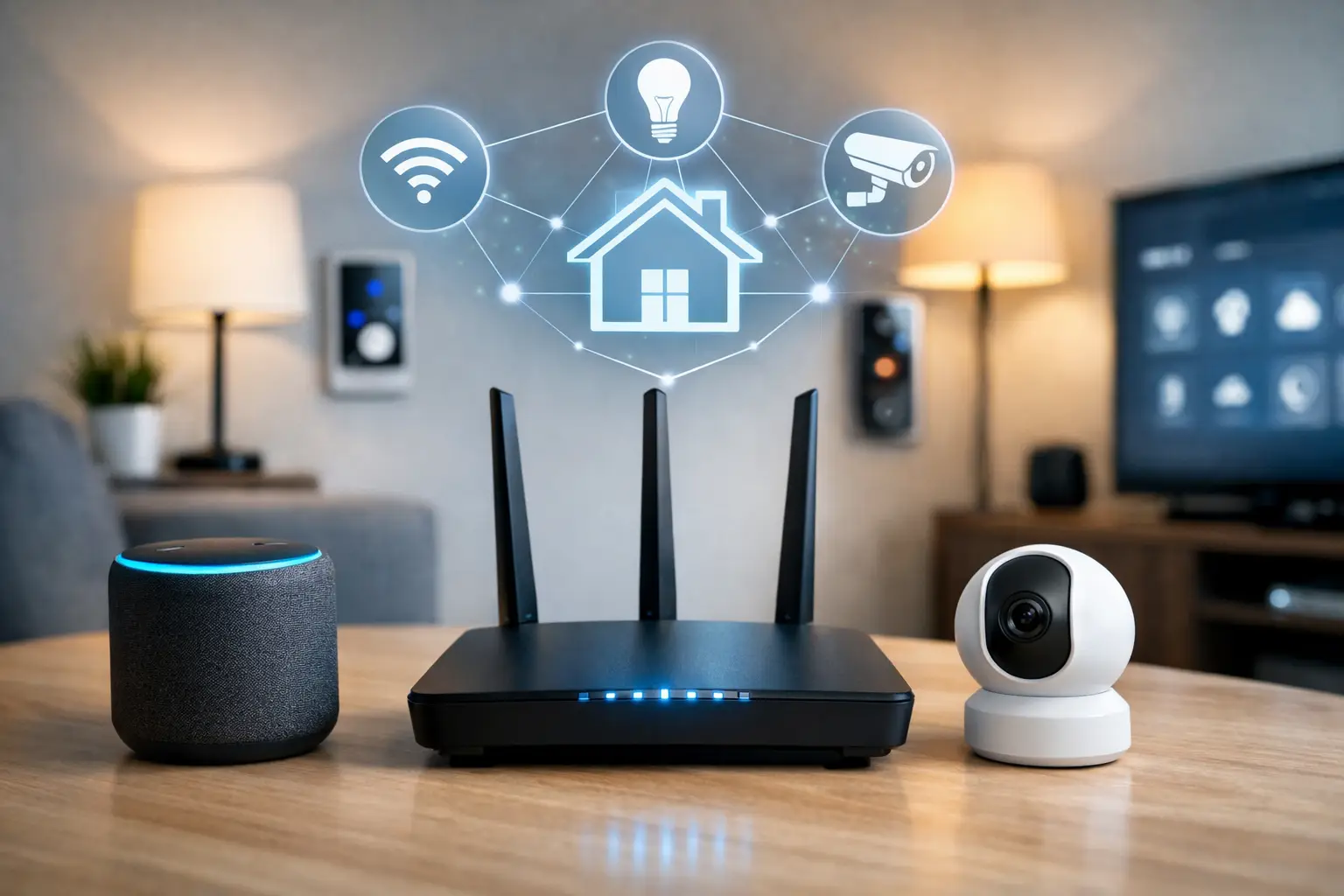
A smart doorbell that lags, cameras that cut out, and lights that stop responding usually point to one problem – the internet for smart home devices is not keeping up with the way your home actually works. It is easy to assume every device uses very little data, but once you add streaming, video calls, gaming, and a growing list of connected devices, weak coverage and inconsistent speeds start showing up fast.
For many households, the issue is not just raw speed. It is whether your connection can handle dozens of devices at once, keep Wi-Fi strong across the whole house, and stay stable during busy hours. If you are building a smarter home in Southwestern Ontario, choosing the right service matters just as much as choosing the devices themselves.
What internet for smart home devices really needs
Most smart home gear does not need extreme bandwidth on its own. A smart plug, thermostat, or light bulb barely uses anything. The pressure comes from volume and from the few devices that are always active, especially security cameras, smart displays, and 4K streaming boxes.
That is why internet for smart home devices should be judged on three things: consistent speed, low interruption, and strong in-home coverage. A plan can look great on paper and still feel frustrating if your Wi-Fi signal weakens in the back bedroom, over the garage, or in the basement where your office or security panel might be installed.
Reliability matters even more than peak speed for connected homes. When a video doorbell misses motion alerts or a lock takes too long to respond, the problem is rarely that you need the fastest plan in the market. More often, it is a sign that your network is stretched, your router is outdated, or your coverage does not match your layout.
How much speed do smart homes actually need?
This depends on how your household uses the connection beyond the smart devices themselves. A small home with a few cameras, a thermostat, smart speakers, and one or two people streaming can often run comfortably on 100 to 300 Mbps. A larger household with multiple TVs, remote work, gaming, online classes, and several cameras recording at once may be better off with 500 Mbps or more.
The key is to look at your whole connected environment. Smart homes rarely operate in isolation. The same network is also supporting phones, tablets, laptops, consoles, and smart TVs. If two people are on video calls while kids stream in the next room and security cameras are uploading footage, entry-level service can start to feel crowded.
Gigabit speeds can be a smart fit for larger homes or heavy-use families, but not every household needs that level right away. Paying for more speed than you use does not fix poor Wi-Fi placement or weak signal zones. The better approach is matching your plan to how many people live in the home, how many devices are online daily, and whether you use bandwidth-heavy products like cloud cameras or 4K streaming on several screens.
Why Wi-Fi coverage matters as much as your plan
This is where many smart home setups fail. You can have a strong internet package and still struggle with disconnected devices if the router is in the wrong place or your home has signal barriers. Thick walls, long layouts, multiple floors, and detached areas all make coverage harder.
Smart devices often sit at the edges of the home. Doorbells are outside. Cameras may be mounted on garages or back entrances. Smart locks are right by exterior walls. If your Wi-Fi cannot reach those spots consistently, the devices will seem unreliable even though the main internet service is fine.
For internet for smart home devices, whole-home coverage usually matters more than chasing the highest advertised speed. In practical terms, that can mean using better router placement, adding Wi-Fi extenders where needed, or upgrading to a mesh-style setup for larger properties. Homes in rural areas and older houses can be especially tricky because layouts are not always ideal for a single router setup.
The devices that put the most strain on your network
Not all smart products behave the same way. A connected bulb is simple. A camera streaming high-definition video all day is not. If you want a stable smart home, it helps to know which devices are likely to create pressure on your connection.
Security cameras are usually the biggest factor. A single camera may be manageable, but several indoor and outdoor cameras uploading clips, running motion detection, and sending alerts can add up quickly. Video doorbells are similar, especially when they constantly monitor activity.
Smart TVs and streaming devices are another major piece of the puzzle. They are not always labeled as smart home products in the same way as sensors or locks, but they often use far more bandwidth than the smaller devices around them. If your home streams a lot of HD or 4K content, that matters.
Home offices also change the equation. Smart homes and remote work now overlap in many households. A stable connection for meetings, file uploads, and cloud software is just as important as keeping your thermostat or alarm system online.
Choosing the right plan for your home
The best plan is the one that fits your real habits, not just your best-case budget. If your household uses connected devices lightly and mainly wants reliable control of lights, plugs, speakers, and one or two cameras, a lower-speed unlimited plan may be enough. If you have a larger family, more cameras, multiple streamers, and work-from-home demands, moving up in speed can prevent slowdowns before they become daily annoyances.
Unlimited data is worth paying attention to. Smart homes create constant traffic in the background, even when no one is actively browsing. Cameras sync footage, assistants check for updates, and devices stay connected around the clock. Data caps can become frustrating fast in homes that rely on connected security and entertainment.
There is also a difference between occasional slowdowns and chronic instability. If your current connection only struggles during the busiest evening hours, upgrading your speed may help. If devices disconnect all over the house at random, the fix may be coverage and equipment rather than a higher package.
Rural homes need a different conversation
In rural and edge-of-town areas, getting internet for smart home devices is not always as simple as picking the fastest advertised speed. Availability, infrastructure, and installation conditions can shape what is realistic. That does not mean smart home living is out of reach, but it does mean your service should be chosen with local conditions in mind.
A practical provider will be upfront about what is available at your address and what level of performance you can expect. That matters because a farmhouse, country property, or home outside the town core may need a different setup than a subdivision in London, Stratford, or Listowel.
This is where local support makes a difference. A provider that understands regional coverage, existing line access, and installation realities can help homeowners avoid overpromising and underdelivering. S-Connect serves both town and rural customers with plan options designed around real local availability, which is exactly the kind of straightforward approach smart home buyers need.
A few signs your current internet is not smart-home ready
If your devices go offline often, if camera footage takes too long to load, or if your smart speaker responds slowly when the house is busy, your network is likely under strain. The same goes for buffering during streaming, frozen video calls, and dead zones near doors, garages, or upstairs rooms.
These problems do not always mean you need the most expensive package. Sometimes the answer is better Wi-Fi distribution or replacing aging equipment. But if your home now has far more connected devices than it did a year ago, your plan may simply need to catch up.
Smart homes tend to grow gradually. One speaker becomes three. One camera becomes a full perimeter setup. A thermostat turns into locks, sensors, plugs, and appliances. What worked at first can stop working well once your network starts carrying more of your daily routine.
The best setup is the one you do not have to think about
That is really the goal. Good internet for smart home devices should feel invisible. Your cameras should stay connected. Your streaming should stay smooth. Your lights, locks, and speakers should respond when you need them to, without forcing you to troubleshoot every week.
For most homes, the right answer is a balanced one: enough speed for your household, unlimited usage for peace of mind, and reliable coverage where your devices actually live. Fancy features mean very little if the basics are not there.
If you are planning a smarter home or trying to fix one that already feels unreliable, start with the connection behind it. The best smart home experience usually begins with plain, dependable internet that fits your home, your habits, and your neighborhood.