

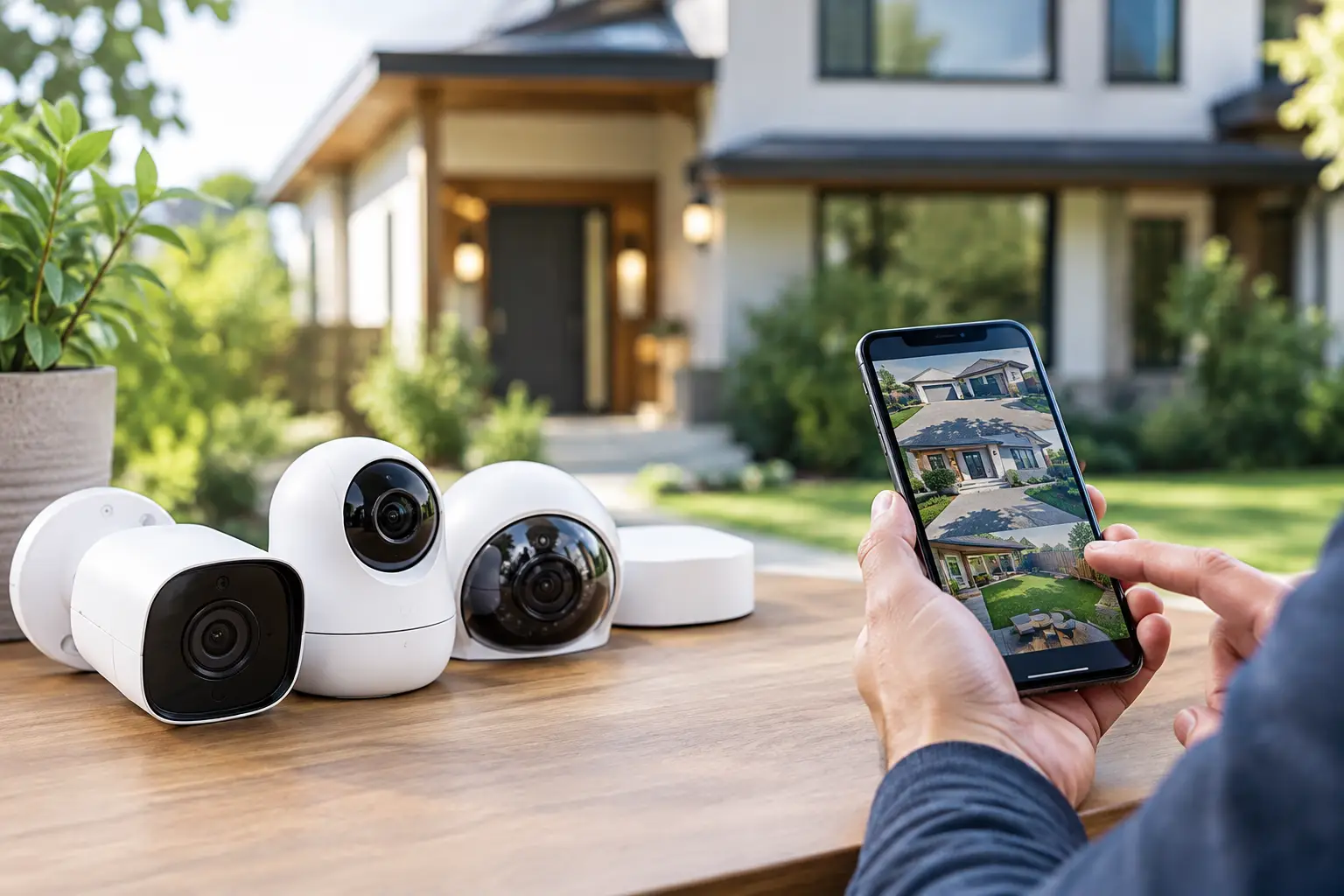
A camera over the front door can help you see a package delivery. A well-planned security system can do much more: show who approaches your property, help protect equipment, and give you a clear view when you are away. Knowing how to choose security cameras starts with your property, not a product box. The right camera is one that covers the places that matter, works reliably with your internet connection, and gives you useful alerts without turning every passing car into a notification.
For households and small businesses, the best choice is rarely the most expensive camera. It is the camera setup that matches your entry points, lighting, budget, and comfort level with installation.
Start With the Areas You Need to Protect
Walk around your home or business before comparing camera features. Look for the paths people use to approach the property, along with places where valuables, vehicles, deliveries, or equipment are exposed. Most properties benefit from coverage at the main entrance, driveway, side or back door, and garage. A small business may also need views of customer entrances, parking areas, stock rooms, or receiving doors.
Think about what you need the camera to capture. A wide view of the driveway is useful for seeing activity, but it may not identify a face or license plate at a distance. A camera pointed directly at a doorway can provide a clearer image of the person entering. One camera cannot always do both jobs well.
Avoid pointing cameras toward a neighbor’s windows or private areas. Good security coverage should help you monitor your own property while respecting privacy. If you are placing indoor cameras, focus on entryways and common areas rather than bedrooms or other private spaces.
How to Choose Security Cameras by Type
The type of camera affects where it can go and how it will be used. A video doorbell is ideal for front-door activity and two-way conversations with visitors. It is not a replacement for a driveway or backyard camera, but it is often the easiest first step for a household.
Outdoor bullet cameras are visible and practical for monitoring long, specific areas such as a driveway, walkway, or fence line. Dome cameras are more discreet and are common under eaves, in garages, and in business interiors. Pan-tilt-zoom cameras can move to follow activity or let you look around remotely, although a fixed camera may offer more dependable coverage of a critical entrance.
You will also choose between wired, wireless, and battery-powered models. Wired cameras are generally the most dependable option for continuous recording, especially when professionally installed. Wireless cameras use your Wi-Fi network but still need power unless they use a battery. Battery cameras are convenient where power is difficult to reach, but they may record shorter clips, need charging, and can miss activity if settings are too conservative.
For a rural property, an outbuilding, or a large yard, distance matters. A Wi-Fi camera only works well if the signal reaches that location consistently. Test your coverage before mounting a camera on a shed, barn, gate, or detached garage.
Prioritize Clear Video, Not Just Big Numbers
Resolution is one of the first specifications people see. Higher resolution can provide more detail, but it also uses more bandwidth and storage. For most homes, 1080p can work well for basic entry coverage. A 2K or 4K camera can be worth considering for a driveway, parking area, or a location where you may need to zoom in on details.
Image quality is about more than resolution. Look at the camera’s field of view, night vision, low-light performance, and placement height. An ultra-wide lens can cover a larger area, but objects near the edges may appear distorted or too small to identify. A narrower view may be better when you need clear detail at a gate or door.
Night performance deserves extra attention. Many incidents happen after dark, when bright daytime specifications do not help much. Infrared night vision provides black-and-white video in darkness. Cameras with built-in spotlights or color night vision can show more detail, but they need enough available light and may be more noticeable to neighbors or visitors.
Before buying, decide whether you want to identify a person, monitor general movement, or read details from farther away. That answer will guide your resolution and lens choice better than a higher number on the package.
Choose Alerts You Will Actually Use
A camera that sends dozens of unnecessary alerts each day can become easy to ignore. Motion detection is standard, but smarter detection is usually more useful. Person, vehicle, animal, and package detection can reduce false notifications and help you focus on events that matter.
Set activity zones so the camera watches your walkway or driveway instead of every vehicle passing on the street. This is especially useful in busy neighborhoods, near schools, or along rural roads with regular farm and service traffic. Some systems also allow you to set schedules, so alerts can be more sensitive overnight or when your business is closed.
Two-way audio is helpful at a front door, service entrance, or business reception area. It lets you speak with a visitor without opening the door. Keep expectations realistic, though. Outdoor wind, traffic, and weak Wi-Fi can affect audio quality.
Check Storage, Internet Needs, and Ongoing Costs
Security cameras create video files, and those files need to be stored somewhere. Cloud storage is convenient because clips are available in an app even if the camera is damaged or stolen. It often comes with a monthly or annual fee, particularly for multiple cameras or longer video history.
Local storage uses a memory card, recorder, or network video recorder. It can reduce subscription costs and may support continuous recording, but you are responsible for maintaining the equipment and protecting it from theft or damage. Some households prefer a system that offers both local recording and cloud backup for key events.
Your internet connection also matters. Cameras use a modest amount of data when idle, but live viewing, frequent motion clips, high resolution, and multiple cameras can add up. Upload speed is especially important because video travels from your property to your phone or cloud storage. If family members are streaming, gaming, working remotely, and using several cameras at once, dependable unlimited internet helps keep the experience smooth.
S-Connect can help local households and businesses pair reliable connectivity with security services, making it easier to keep connected devices working where they matter most.
Do Not Skip Weather Ratings and Power Planning
For outdoor cameras, check the weather rating. An IP65, IP66, or similar rating indicates protection against dust and water, but the exact level of protection varies. Choose equipment designed for rain, snow, temperature swings, and the conditions common in your area.
Mounting position matters just as much. Place the camera high enough that it is not easy to reach, but low enough to capture faces rather than the tops of heads. Under an eave is often a good location because it provides some protection from direct rain and glare. Keep branches and seasonal growth in mind, since leaves can block a view that looked perfect during installation.
Consider what happens during a power outage. Battery cameras may continue to operate for a period, but Wi-Fi and internet equipment also need power. If continuous protection is essential, ask about backup power for your router, modem, and recording equipment.
Compare Systems With This Practical Checklist
When you are narrowing your options, compare each system on the details that affect everyday use:
- Coverage: Does each camera have a clear purpose and view of a key area?
- Video quality: Can it capture the detail you need in daylight and at night?
- Connectivity: Is Wi-Fi strong enough at every planned camera location?
- Storage: Are cloud fees, local storage limits, and recording options clear?
- Alerts: Can you set activity zones and filter people, vehicles, or packages?
- Installation: Will you need wiring, mounting help, or a better Wi-Fi setup?
- Privacy: Does the app offer strong account security, user controls, and two-factor authentication?
A lower-priced camera can become costly if it requires several subscriptions or does not work well where you need it. On the other hand, paying for features you will never use is not a better value.
Plan for a Setup You Can Manage
The best security camera system is one you will keep using. Choose an app that feels straightforward, lets you review clips quickly, and makes it easy to share access with a spouse, family member, or trusted employee. Use a unique password, enable two-factor authentication, and keep the camera app and firmware updated.
If you are not comfortable working on ladders, drilling through exterior walls, or running cables, professional installation can be a smart choice. Correct placement, stable mounting, and a reliable network connection make more difference than many buyers expect.
Start with the most important entry point, test the view at day and night, and adjust before adding more cameras. A few well-placed cameras with reliable alerts will give you far more confidence than a complicated system that is difficult to maintain.