

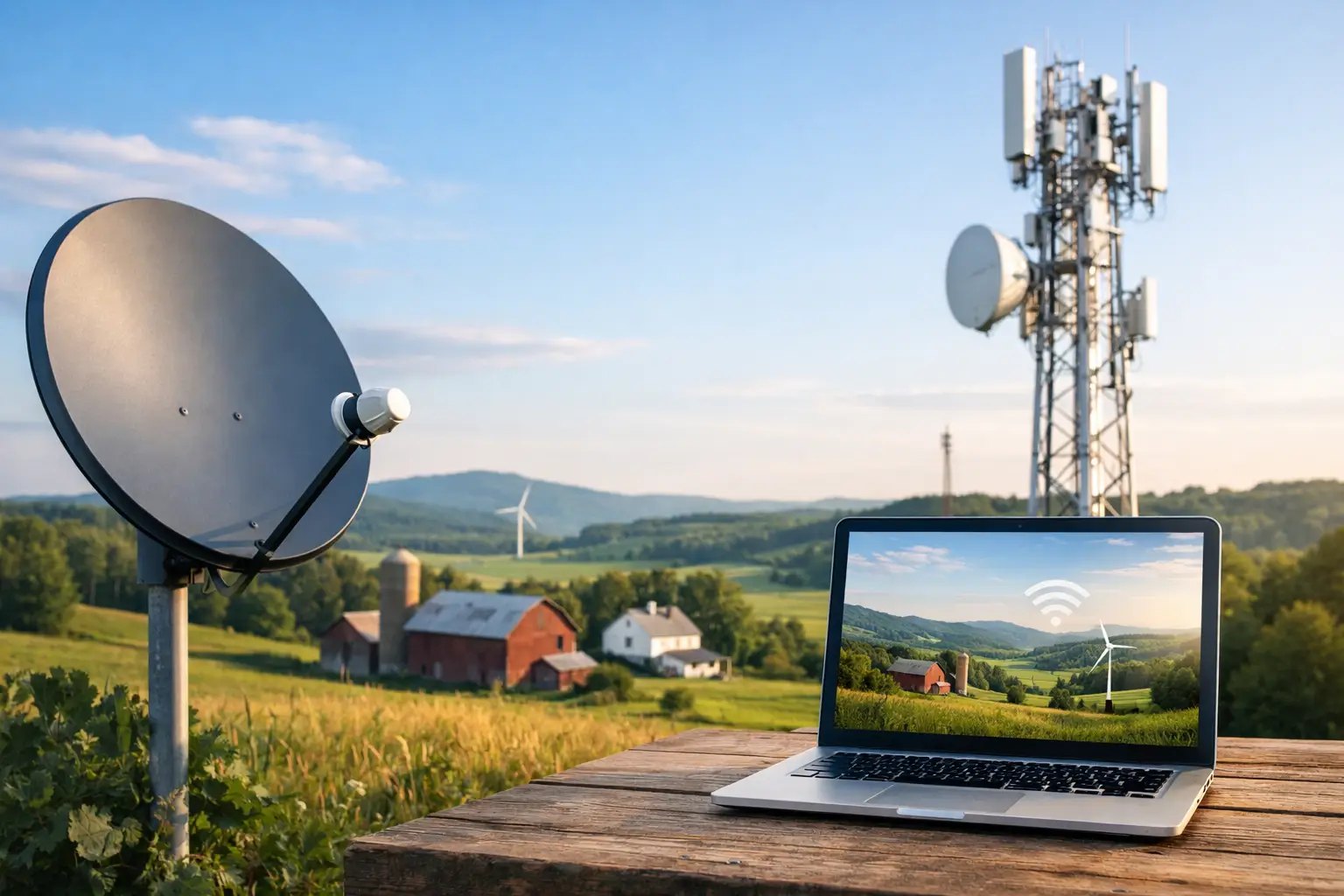
A rural internet availability guide should start with one fact: your road address matters more than your ZIP code. Two homes a mile apart can have completely different options, speeds, installation requirements, and monthly pricing. For families, remote workers, students, and small businesses, the right service is the one that reliably handles real life – video calls, homework, streaming, gaming, security cameras, and more – without surprise data limits or constant slowdowns.
In Southwestern Ontario and other rural regions, high-speed access is improving, but availability still depends on the infrastructure already near your property. The best way to find a dependable connection is to check your exact address, compare what is actually serviceable, and look beyond the biggest advertised speed.
Start With an Exact Address Check
Internet providers use address-level checks because service availability is tied to nearby lines, network capacity, terrain, and installation access. A community may be listed as covered, but a particular concession road, farm property, or newly built home may need a different solution.
When checking availability, provide the full civic address, including the unit number where applicable. If your home is new or your address is not recognized, ask whether the provider can perform a manual serviceability review. This can identify nearby cable or fiber-adjacent infrastructure that may not appear in an automated search.
It also helps to ask what type of connection is available at your location. “High-speed internet” can describe several technologies, and they do not perform the same way. A clear answer about the network type gives you a more realistic picture of what to expect.
Understand Your Rural Internet Options
Cable and Fiber-Adjacent Service
Where cable infrastructure reaches your road, it is often one of the strongest choices for rural households. It can support fast download speeds, unlimited data plans, and multiple devices at once. This is especially useful for homes with remote workers, students attending online classes, gamers, or several people streaming in different rooms.
Fiber is generally the top option where it is available because it offers very fast speeds and strong consistency. However, rural fiber availability can be limited to certain roads or communities. Some homes have fiber installed directly to the property, while others are served through fiber-supported cable networks. Ask about both download and upload speed, particularly if you regularly send large files, run cloud backups, or host video meetings.
Fixed Wireless Internet
Fixed wireless sends internet service from a nearby tower to an antenna installed at your home. It can be a practical answer for properties beyond cable and fiber lines, and installation is often faster than waiting for new buried infrastructure.
Performance depends on distance from the tower, line of sight, local terrain, trees, and network demand. A good fixed wireless connection can work well for everyday browsing, streaming, remote work, and online learning. It may be less predictable than a wired connection during severe weather or in heavily congested areas. Before ordering, ask whether a site assessment is needed and what speeds are typical at your address, not just the maximum possible speed.
Satellite Internet
Satellite can reach homes where other options are unavailable, making it a valuable fallback for remote properties. Modern satellite services have improved significantly, but they still come with trade-offs. Latency can affect competitive gaming, live video calls, and certain business applications, while performance may vary with weather, plan terms, and local network demand.
Satellite is often best when no reliable wired or fixed wireless service can be installed. If you have a choice, compare its total monthly cost, equipment fees, data policy, and expected latency against local alternatives first.
Mobile Home Internet and Hotspots
Cellular-based home internet can be convenient in areas with strong 4G or 5G coverage. It is also useful as a backup connection for households where staying online is essential. However, coverage maps do not always reflect indoor signal quality, and plans may have data thresholds, prioritization rules, or speed reductions during busy periods.
For a light-use household, mobile internet may be enough. For a family with several connected users or a home business, unlimited wired or fixed wireless service is usually the more dependable long-term fit.
How Much Speed Does Your Household Really Need?
The fastest plan is not automatically the best value. The right speed depends on how many people use the connection and what they do at the same time. A couple who browse, stream one show, and check email may be comfortable with a moderate plan. A busy household with remote work, online classes, 4K streaming, gaming, and smart home devices needs more capacity.
As a practical baseline, 100 Mbps can suit many homes with several users. Plans in the 300 Mbps to 1 Gbps range provide more breathing room for larger families, heavy streaming, gaming, and home offices. Speed is only part of the equation, though. A plan with unlimited data, stable evening performance, and responsive support may be a better choice than a higher-speed plan with restrictive usage policies.
Upload speed deserves attention too. Download speed affects streaming and browsing, while upload speed affects video conferencing, sending files, security camera uploads, and cloud storage. If you work from home or operate a small business, ask for the advertised upload speed before committing.
Questions to Ask Before You Order
A straightforward conversation can prevent a frustrating installation day or a plan that does not match your needs. Before selecting rural internet service, get clear answers to these questions:
- What connection type is available at my exact address?
- Are the listed speeds typical for my location, and what upload speed is included?
- Is data unlimited, or are there usage limits, throttling rules, or overage charges?
- Are installation, equipment, activation, or seasonal service fees included in the quoted price?
- Will the installation require a dish, outdoor antenna, trenching, or access to specific areas of the property?
- What support is available if service drops or equipment needs attention?
Price matters, but the lowest advertised monthly rate is not always the lowest total cost. Review equipment rental, one-time installation charges, taxes, contract terms, and promotional periods. If a provider offers bundles with TV, home phone, mobile, or security services, compare the combined value with the services you already pay for separately.
Prepare Your Home for a Better Connection
Once service is available, a few setup decisions can improve your experience. Put your Wi-Fi router in an open, central area rather than in a basement corner, metal cabinet, or behind a television. Keep it away from thick walls and large appliances where possible. A larger farmhouse, workshop, or multi-level home may benefit from a mesh Wi-Fi system to extend coverage into hard-to-reach rooms.
For gaming consoles, desktop computers, and smart TVs, a wired Ethernet connection can provide more consistent performance than Wi-Fi. This is particularly helpful when someone is on a video call while others are streaming or gaming.
If internet access supports your work, business, medical needs, or security system, consider a backup plan. That could mean a mobile hotspot, a second connection type, or battery backup equipment for your modem and router during short power interruptions. The right backup depends on how costly downtime is for your household.
Rural Internet Availability Guide: Watch for These Warning Signs
Be cautious when an offer is vague about the technology, uses only “up to” speed claims, or does not explain data policies. You should know whether the service is cable, fiber, fixed wireless, satellite, or cellular before installation. A provider should also be able to explain what equipment will be placed at your home and how to get help if something changes.
Local knowledge makes a real difference here. A provider familiar with the roads, towns, and rural service patterns around Stratford, Listowel, London, Mitchell, and surrounding communities can give more useful guidance than a generic coverage map. S-Connect helps customers compare available options with a focus on clear answers, fast plans, unlimited usage choices, and direct support.
Your home should not have to settle for unreliable internet simply because it is outside town limits. Check your exact address, ask direct questions, and choose the service that fits how your household actually connects. A dependable connection can make workdays easier, keep entertainment flowing, and give every person under your roof room to stay connected.