

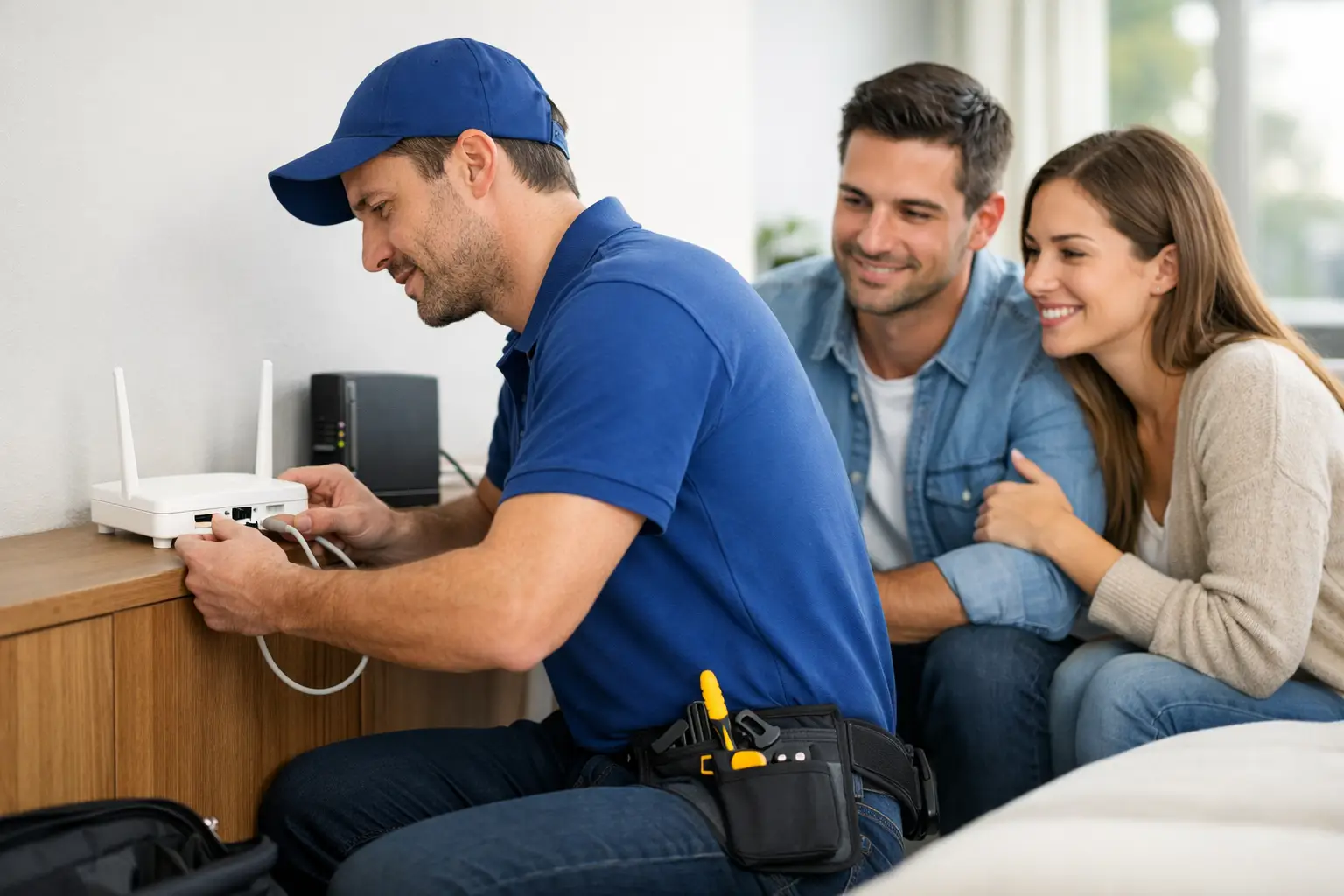
A new internet connection should not leave you guessing which cable goes where or why the Wi-Fi signal drops in the back bedroom. Quality internet provider installation support turns a service order into a connection your household can actually rely on for work calls, streaming, school, gaming, and everyday life.
For homes and small businesses across Southwestern Ontario, installation is more than an appointment window. It is the point where the right plan, the right equipment, and local help come together. Whether you live in town or outside it, knowing what to expect can make your first day online much easier.
What Internet Provider Installation Support Should Include
Good support starts before a technician arrives. Your provider should confirm service availability at your address, explain the connection type available, and make clear whether your home needs a technician visit, a self-install kit, or additional work before activation.
This matters because internet availability can differ from one street to the next. A home in Stratford, London, Listowel, or Mitchell may have a different setup than a property just outside town. Existing cable lines, building wiring, distance from local infrastructure, and the condition of the connection point can all affect installation options.
Clear communication helps avoid surprises. You should know the expected appointment time, what equipment is included, whether someone over 18 must be home, and what areas of the property a technician may need to access. If you rent, it is also smart to check whether your landlord has requirements for drilling, exterior wiring, or equipment placement.
At S-Connect, the goal is straightforward: help local households and businesses get connected with a setup that fits the service available at their location, without adding unnecessary technical confusion.
Before Your Installation Appointment
A little preparation can save time on installation day. Start by choosing where you want your modem or gateway to sit. The best location is usually a central, open area where the device can provide strong Wi-Fi coverage to the rooms you use most. A utility room may be convenient for cables, but it is not always the best place for wireless performance.
Make sure the technician can reach the cable outlet, utility panel, or entry point that serves your home. Move furniture if it blocks access, and keep pets safely out of the work area. If you are replacing an older service, do not disconnect anything until you have confirmed whether the existing wiring will be reused.
It also helps to think through how your household uses the internet. A family that streams in several rooms, works from home, and games online may need a different router location than a customer who only uses internet in a small apartment. If you have a home office, ask about placing equipment close to your work area or using a wired Ethernet connection for more consistent video calls and file transfers.
Have Your Details Ready
Keep your account information, service address, and preferred contact number available. If the installer needs to reach you about access, timing, or a wiring question, a quick response keeps the appointment moving.
If you are transferring a home phone number or adding IPTV, mobile, security, or other services, confirm those details in advance. Bundled services can be convenient, but each one may have its own activation steps. Knowing what is being installed prevents a rushed setup at the end of the visit.
What Happens on Installation Day
The exact process depends on your address and service type, but most installations follow a practical sequence. The technician checks the signal at the property, inspects the existing connection, and identifies the best place for the modem or gateway. They may need to activate a line, replace a damaged connector, or run a short length of cable to create a dependable connection point.
Once the physical connection is ready, the modem is activated and tested. The technician should confirm that the service is online and that your primary device can connect. This is a good time to ask questions. Find out the name of your Wi-Fi network, how to change the password, where to find the equipment information, and who to contact if you need help later.
Do not judge your full internet speed from one phone test in a distant room. Wi-Fi results can change based on distance, walls, device age, and the number of connected devices. For the clearest measure of the internet service entering your home, test from a newer computer connected directly to the modem or router with an Ethernet cable.
When a Technician Visit Is Worth It
Self-install can be a fast option when the home already has an active, working connection and the correct outlet. It is often ideal for customers who are comfortable connecting a modem, following activation instructions, and setting up Wi-Fi.
A professional visit is usually the better choice when you are moving into a newly built home, a rural property, an older building, or a location where the previous service is unknown. It is also helpful when you need new wiring, have weak signal issues, or want guidance on equipment placement. The right choice depends on the condition of your home and how confident you feel with the setup, not just on what seems fastest.
Getting Better Wi-Fi After Installation
An active modem does not automatically mean perfect Wi-Fi in every corner of the house. Wireless signals weaken through dense walls, concrete, metal, mirrors, floors, and large appliances. Basements, detached garages, and rooms at opposite ends of a long home may need extra attention.
Place your router upright in an open space, ideally on a shelf or table rather than on the floor. Avoid tucking it into a cabinet, behind a TV, or beside a microwave. Keep it away from clutter and other electronics that can interfere with its signal.
For high-demand devices, a wired connection can make a real difference. Desktop computers, gaming consoles, smart TVs, and office equipment often perform better when connected by Ethernet. This reduces pressure on Wi-Fi and can improve the experience for everyone else in the home.
If certain rooms still have weak coverage, ask about practical options such as a mesh Wi-Fi system, an additional access point, or relocating the router. Bigger is not always better. A small home may only need better equipment placement, while a larger or multi-level property may benefit from added coverage equipment.
Installation Support for Rural Homes and Small Businesses
Rural installations can involve extra variables. Driveway length, exterior access, existing lines, weather conditions, tree coverage, and the distance between structures can affect the work required. The best approach is an honest availability check and a clear explanation of the service options at your exact address.
For a rural household, reliable internet may support remote work, online learning, security cameras, video streaming, and staying connected with family. For a small business, it may also support payment terminals, customer Wi-Fi, cloud applications, phone systems, and security services. That makes installation planning especially valuable.
Business customers should consider where network equipment will be secure, ventilated, and accessible for future support. If your operation relies on point-of-sale systems or cloud tools, ask whether a backup connectivity option makes sense. The best setup is not always the cheapest one upfront. Downtime can cost more than choosing equipment and support that match how your business operates.
Common Questions About Installation Support
How long does internet installation take?
Many standard appointments can be completed in a few hours or less, but timing depends on the condition of the line, accessibility, and whether new wiring or signal work is needed. A provider should give you a realistic appointment window and explain if anything changes.
Do I need to buy my own router?
Not always. Many providers offer a modem or gateway as part of the service, which can simplify setup and support. Using your own router can offer more control or better coverage in some homes, but confirm compatibility before installation.
What should I do if my internet works but Wi-Fi is slow?
First, restart the modem and router, then test near the equipment and compare that result with a wired test if possible. If the connection is strong by cable but weak over Wi-Fi, the issue may be router placement, interference, or coverage rather than the internet line itself.
A dependable connection begins with a properly installed service, but it stays dependable when the setup fits your home, your devices, and the way you live. Before your appointment, choose a sensible equipment location, ask clear questions, and make sure you know where to turn for local help after the technician leaves.