

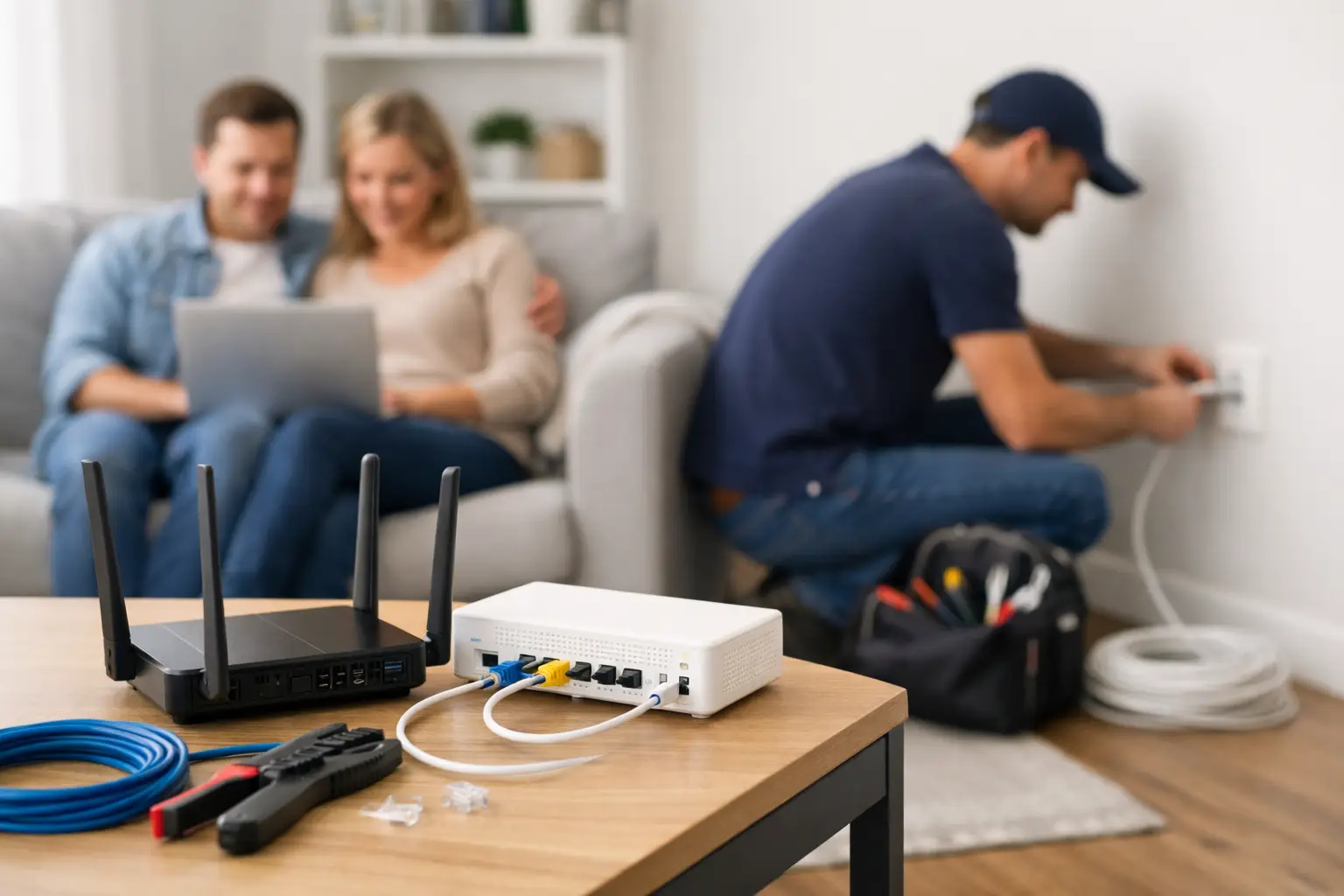
The day your internet gets installed usually feels simple until someone asks where the modem should go, whether your current wiring will work, or why the Wi-Fi is great in one room and weak in the next. A good home internet installation guide helps you avoid those small mistakes that turn into daily frustrations, especially if your household depends on stable service for work, streaming, gaming, and school.
If you live in a town or rural area where coverage can vary by street, concession, or building type, installation is not just about plugging in a box. The best setup depends on the type of connection available, the layout of your home, and how many people and devices are online at the same time. Getting those details right from the start saves time, money, and support calls later.
What to check before installation day
Start with availability, because the best plan on paper does not matter if the service type at your address is different from the one a few blocks away. Some homes are set up for cable, some for fiber-based networks, and some rural properties may rely on different last-mile options. Speeds can still be excellent across these setups, but the install process and equipment can vary.
Next, think about how your home actually uses internet. A family streaming on multiple TVs, a remote worker on video calls, and a gamer in the basement all create different demands than a one-person apartment. If your household is busy online all day, unlimited data and stronger in-home coverage matter more than chasing the cheapest monthly rate.
It also helps to decide whether you want internet only or a broader service bundle. If you plan to add TV, phone, mobile, or even security services later, mention that before installation. It is often easier to plan equipment placement and wiring once rather than changing everything after the fact.
Home internet installation guide: choosing the right setup
Not every installation looks the same, and that is where many households get tripped up. The service coming into your home affects both performance and what the technician needs access to.
Cable internet is common in many neighborhoods and offers strong speeds for everyday use, streaming, gaming, and home offices. Installation may involve activating an existing coax outlet or checking line quality if the home has older wiring. In many cases, this is straightforward, but older homes can need cleanup if previous splitters or unused lines are still connected.
Fiber-connected or fiber-adjacent service can deliver very fast performance, but the install may include different equipment, such as an optical network terminal or a provider-specific gateway. If your home is newer, the process may be quick. If not, the technician may need to identify the best entry point and indoor location for the equipment.
Rural installations often need a little more planning. Distance from the road, outbuildings, thick walls, and older electrical layouts can all affect where equipment should go. That does not mean the process is difficult. It just means the right placement matters more.
Where to place your modem and router
This is one of the biggest make-or-break decisions in any home internet installation guide. People often want the modem hidden in a basement corner, utility room, or cabinet because it looks cleaner. The problem is that Wi-Fi signals do not care about clean aesthetics. They care about walls, floors, and interference.
The best location is usually as central as possible, in an open area, off the floor, and away from large metal objects or electronics that create interference. If most of your internet use happens on the main floor, placing the router there usually gives better results than putting it beside the electrical panel in the basement.
If you work from a home office, game in a back room, or stream in an upstairs bedroom, mention that before the install is finalized. In some homes, a single router is enough. In others, especially larger homes or homes with thick walls, you may need a mesh system or an additional access point. That is not overkill. It is often the difference between full coverage and constant buffering.
Preparing your home for the technician
A little prep makes installation faster and smoother. Make sure the technician can easily access the main connection point, the room where you want the modem, and any existing cable or network outlets. If furniture is blocking wall plates or utility areas, move it beforehand.
If you are replacing an older provider, do not disconnect everything too early unless you have been told to. Sometimes the existing wiring or outlet path helps speed up the new setup. If you have pets, keep them secured during the appointment. It sounds minor, but it helps the technician work quickly and safely.
You should also have a short list of questions ready. Ask where the signal enters the home, whether the selected modem location is best for Wi-Fi, and whether your current home layout would benefit from a mesh setup. A good installation is not just activation. It is making sure your service performs well in real life.
What happens during installation
Most installs follow a clear sequence. First, the technician confirms the available service and tests the incoming line. Then the modem or gateway is connected, activated, and checked for stable signal levels. After that, the Wi-Fi network is configured and tested.
This is also the right time to test the rooms that matter most. Do not stop at a speed test beside the router. Walk to the bedroom where your kids stream, the office where you take meetings, and the room where gaming devices are connected. A setup that looks fast in one spot but struggles everywhere else is not finished yet.
If you are using smart TVs, cameras, doorbells, or other connected devices, expect to spend a bit of time reconnecting them after installation. This part is normal, especially if your new network name and password are different from your old setup.
Common problems and how to avoid them
Weak Wi-Fi is often blamed on the provider when the real issue is placement. A fast internet plan cannot overcome a router tucked behind a TV or buried in a cabinet. Before upgrading your package, make sure your equipment is in the right place.
Another common issue is relying on old hardware. If you are using an outdated third-party router, it may not deliver the speeds your plan can support. That is especially true in larger households with many devices online at once.
There is also a trade-off between convenience and performance. Wi-Fi is easy, but wired Ethernet connections are still better for gaming consoles, desktop computers, and home office setups that need maximum stability. If one room handles the most demanding tasks, a direct wired connection is worth considering.
Older homes can bring one more challenge: internal wiring. You might have active outlets in the wrong rooms, poor coax splits from earlier setups, or wall materials that reduce signal strength. None of these are deal-breakers, but they are good reasons to treat installation as a full-home setup decision, not just a service switch.
How to get better performance after setup
Once the service is live, spend the first few days paying attention to how your internet performs during your busiest hours. Test video calls, streaming, downloads, and gaming at the times your household is usually online. A network that works well at noon but slows down every evening may need a different equipment layout or added Wi-Fi coverage.
Keep your router updated and avoid stacking it beside other electronics. If your home has dead zones, do not just live with them. Expanding Wi-Fi coverage early usually costs less frustration than constantly troubleshooting later.
For households in Southwestern Ontario balancing remote work, school, entertainment, and smart home devices, the right install matters as much as the plan itself. That is why many customers prefer a provider with local support that understands the difference between a downtown setup and a rural property install. S-Connect takes that practical approach seriously, helping customers get connected with the right service and the right in-home setup from day one.
When a self-install works and when it does not
Some homes are excellent candidates for self-install. If the address already has an active compatible line, the wiring is in good condition, and your layout is simple, self-install can be quick and convenient. It works best for smaller homes, condos, or apartments where the modem location is obvious and coverage demands are modest.
Professional installation is usually the better call when the home is larger, older, newly renovated, or in a rural location. It is also worth it if you need the best possible performance for work, gaming, or multiple simultaneous users. The extra help upfront often prevents weeks of guessing later.
The smartest setup is not always the cheapest or the fastest advertised. It is the one that fits your home, your devices, and your daily routine. If you treat installation as the foundation rather than an afterthought, you will feel the difference every time you log on.