

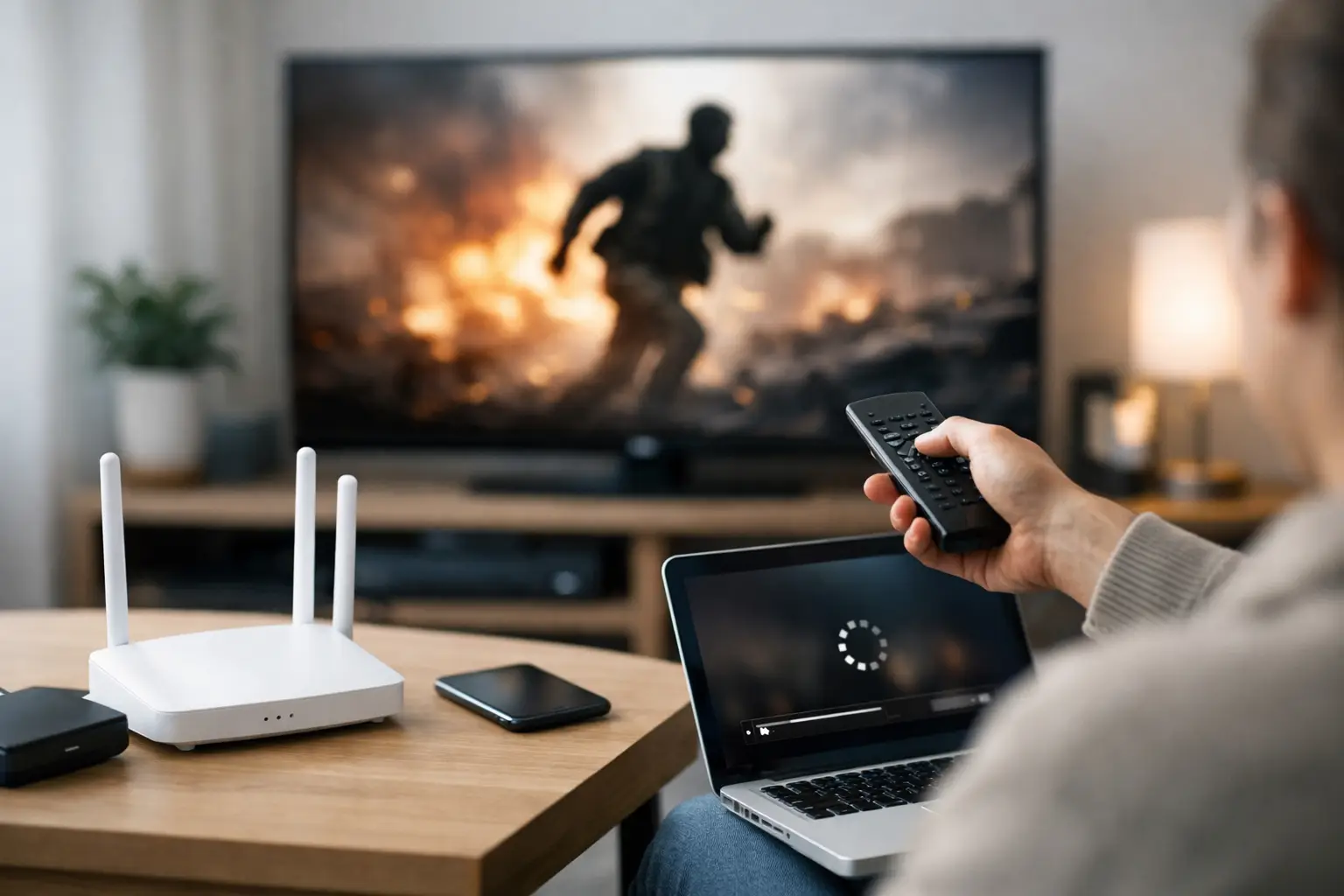
That spinning buffer icon always seems to show up at the worst time – right before the game starts, during family movie night, or halfway through your favorite series. If you’re trying to figure out the best internet speed for streaming, the real answer depends on more than one number. It comes down to video quality, how many people are online, and what else your household is doing at the same time.
Streaming looks simple on the surface. Press play, and the content starts. But in a real home, your internet connection is also handling phones, smart TVs, laptops, gaming systems, video calls, and security devices. That is why a plan that sounds fast enough on paper can still feel frustrating in practice.
What is the best internet speed for streaming?
For a single person streaming in HD, 100 Mbps is usually more than enough. For a household with multiple people watching on different screens, using smart devices, and browsing at the same time, 300 to 500 Mbps is a much more comfortable range. If your home has several heavy users, frequent 4K streaming, gaming, and remote work all happening together, 1 Gbps can be the right fit.
There is no one-size-fits-all speed that works for every address or every family. The best internet speed for streaming is the speed that gives you room to watch without buffering, even when the rest of the house is online too.
How much speed streaming services really use
Most streaming platforms do not need as much speed as people think for one screen. Standard definition uses the least. HD needs more, but still not a huge amount by modern broadband standards. 4K uses the most and is where weaker plans start to show their limits.
A rough rule is that standard definition may use around 3 to 5 Mbps, HD often sits around 5 to 10 Mbps, and 4K can land around 15 to 25 Mbps per stream. Those numbers can vary by platform, compression method, and device, but they are useful for planning.
The problem is not usually one stream. It is the stack of everything happening at once. Two TVs in 4K, one tablet in HD, someone on a Zoom call, cloud backups in the background, and a few phones scrolling video can push a modest plan harder than expected.
Why household activity matters more than peak speed
Many people shop for internet by looking at the biggest speed number available. Speed matters, but consistency matters just as much. A connection that handles evening traffic well and stays stable across the home often feels better than a higher-speed plan with weak Wi-Fi coverage or congestion issues.
This is especially true for families and shared households. If one person is streaming and no one else is online, even a lower-tier plan may work fine. But if your busiest hours include streaming, online classes, work meetings, gaming downloads, and smart home activity, you need enough bandwidth overhead to avoid slowdowns.
That is why practical buyers should think in terms of household demand, not just individual use. Your internet plan has to support your whole home, not just one screen.
Best internet speed for streaming by household type
A single viewer or couple with light internet use can usually stream comfortably on 100 Mbps. This works well for HD streaming, casual browsing, social media, and the occasional video call. If you are mostly watching on one or two screens and not doing much else online, this is a solid starting point.
A family with several connected devices should look more closely at 300 Mbps. This range gives you better breathing room for multiple HD streams, one or two 4K streams, and regular daily use across phones, tablets, and laptops. It is often the sweet spot for homes that want reliable performance without paying for more than they need.
For larger households, remote workers, gamers, and serious streamers, 500 Mbps gives you stronger performance during busy hours. This is where buffering becomes much less likely when multiple people are online at once. It also helps if your home regularly downloads large files or runs a lot of connected devices.
If your household is always online, uses several 4K streams, works from home, and wants top-end performance, 1 Gbps is a strong choice. Gig speeds are not necessary for every home, but they can make sense for high-demand households that want the fastest available experience and fewer compromises.
Streaming quality: HD vs 4K changes the answer
The jump from HD to 4K is where internet planning gets more serious. HD is forgiving. Most modern plans can handle it easily. But 4K streaming asks for more bandwidth and a steadier connection, especially if more than one person is watching in ultra-high definition.
If your home has one 4K TV and everything else is casual use, you may not need a premium speed tier. If your household has multiple 4K screens and everyone tends to watch at the same time, you should plan for more capacity.
It also helps to be realistic. Not every show or device is set to 4K all the time, and not every viewer cares about the difference. If your goal is dependable streaming without overpaying, matching your plan to your actual viewing habits is the smartest move.
Upload speed matters too, just not for the reason most people think
Streaming movies and shows mainly depends on download speed, which is what brings content into your home. But upload speed still plays a role in how smoothly your home internet performs overall.
If someone in the house is on a video call, uploading files, backing up photos, or livestreaming while others are watching TV, lower upload capacity can create slowdowns or lag. This is one reason households with remote work or online learning should not choose a plan based only on download speed.
A balanced connection helps everything feel more stable, especially in homes where work and entertainment happen side by side.
Wi-Fi can make a fast plan feel slow
One of the biggest causes of streaming frustration is not the internet plan itself. It is weak in-home Wi-Fi. You can have plenty of speed coming into the house and still get buffering in the bedroom, basement, or far end of the living room if the wireless signal is poor.
Router placement matters. So does the age of your equipment. Large homes, older walls, and rural properties with unique layouts can all affect wireless performance. If streaming quality drops in certain rooms but works fine near the router, the issue may be coverage rather than speed.
That is why installation support and local troubleshooting matter. A provider that helps customers get the most from their setup can save a lot of time and frustration.
Unlimited data is a major plus for streaming homes
Speed is only part of the picture. Data usage matters too, especially for households that stream every day. HD and 4K viewing can add up fast over a month. If your plan includes limited data, binge-watching can turn into a surprise bill or reduced speeds.
For families, students, remote workers, and anyone replacing traditional TV with streaming apps, unlimited data makes life easier. You do not have to monitor usage or worry about whether movie night will push you over a cap. That kind of predictability is a real benefit in busy homes.
How to choose the right plan without overpaying
The smartest approach is to choose a plan based on your busiest hour, not your quietest one. Think about what happens in the evening when everyone is home. How many screens are streaming? Is someone gaming? Is another person on a work call? Are smart devices always connected in the background?
If your home usually has one or two users and light streaming, starting at 100 Mbps is sensible. If your evenings are busier, 300 Mbps is often the better value because it gives you room to grow. If your home depends on internet for nearly everything, moving to 500 Mbps or 1 Gbps can be worth it for the added reliability.
For households across town and rural communities alike, the right plan is the one that fits real usage, not marketing hype. Providers such as S-Connect focus on practical speed options, unlimited data, and dependable local support, which is exactly what many homes need from their internet service.
Choosing the best internet speed for streaming is really about choosing fewer interruptions, less guesswork, and a connection that keeps up with your day. If your internet works when the whole house needs it most, you picked the right speed.