
A traditional cable TV subscription can feel like an unnecessary expense when your household already has reliable internet. So, can IPTV work without cable? Yes. IPTV is delivered through an internet connection, not through the coaxial cable line that powers conventional cable television.
That distinction gives households more flexibility. You can watch live TV, on-demand programs, and app-based entertainment through a compatible device and a solid internet plan, without maintaining a separate cable TV package. The real question is not whether IPTV needs cable TV. It is whether your home internet, Wi-Fi setup, and viewing habits are ready for IPTV.
Can IPTV Work Without Cable Service?
IPTV stands for Internet Protocol Television. Put simply, it sends television programming over your internet connection. Rather than receiving a fixed broadcast through a cable TV line or satellite dish, your device requests the content over the internet.
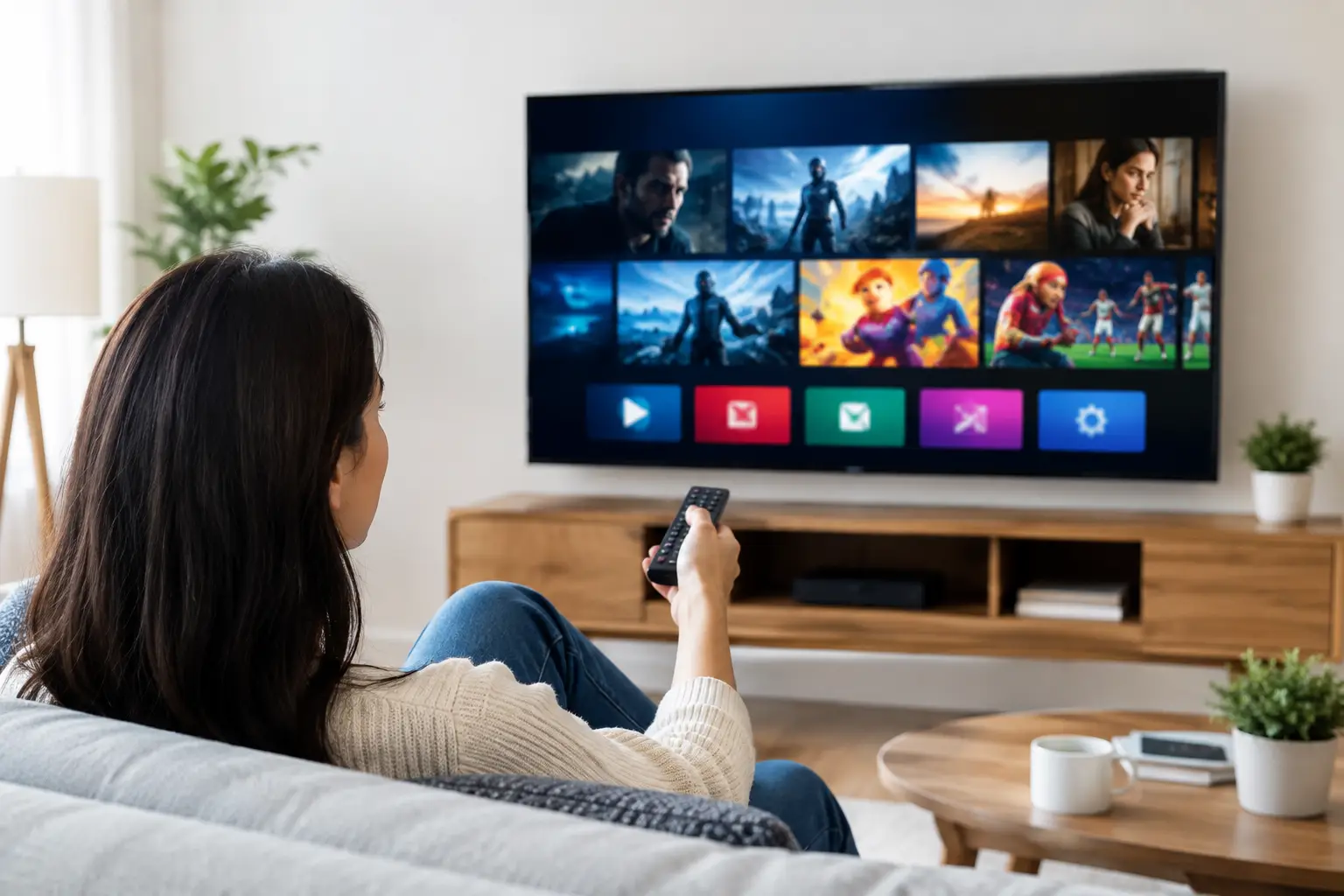
You may use IPTV through a dedicated set-top box, a smart TV app, a streaming stick, a phone, tablet, or computer. The exact equipment depends on the service, but the basic requirement stays the same: dependable broadband internet.
This is different from using an antenna, which receives local over-the-air channels, and different from a traditional cable package, which relies on a physical cable TV signal. IPTV can use the same home internet connection that supports video calls, online schoolwork, gaming, and everyday browsing.
For many families, that means fewer separate services to manage. It can also make TV more practical in rural or smaller-town homes where satellite is inconvenient and conventional cable options may be limited.
What You Need for IPTV at Home
You do not need a cable TV subscription, but you do need the right foundation. A strong IPTV experience comes down to three things: internet speed, a stable in-home connection, and a compatible viewing device.
Reliable internet is the priority
Streaming TV is continuous. A webpage can take an extra second to load without much frustration, but a live hockey game or evening news broadcast will quickly expose an unstable connection. If your internet slows down or drops frequently, you may see buffering, lower picture quality, or a frozen stream.
For one HD stream, a connection around 10 Mbps can often work. Households should plan for more than the bare minimum, though. If someone is streaming in the living room while another person joins a video meeting, games online, or watches on a second screen, the total demand rises quickly.
As a practical starting point, 50 to 100 Mbps can suit lighter streaming households. Faster plans make more sense for larger families, 4K viewing, multiple TVs, remote work, and connected homes with cameras, smart speakers, and gaming consoles. Unlimited data is especially useful when TV streaming is part of your daily routine, since high-definition and 4K video can use substantial data over a month.
A good Wi-Fi setup matters too
Fast internet arriving at the house is only half the job. Your TV still needs a dependable connection to the router. If the router is tucked in a basement corner and the television is two floors away, weak Wi-Fi can cause problems even when your internet plan has plenty of speed.
For a television near the router, Wi-Fi may work well. For a main TV, home office, or gaming area farther away, a wired Ethernet connection is often the most consistent choice. It reduces interference from walls, neighboring networks, and household devices.
A mesh Wi-Fi system can also help homes with dead zones or long layouts. Before assuming IPTV is the issue, check where the router sits, how old it is, and whether the TV gets a strong signal where it is installed.
You need a supported device
Most IPTV services support more than one way to watch. A smart TV may run the provider’s app directly. Older TVs can usually work with a streaming device or a dedicated IPTV box. Computers, tablets, and phones can be useful for watching away from the main screen, depending on the service and package.
Check device compatibility before ordering. Also ask how many simultaneous streams are included. A plan that works perfectly for one viewer may not be the right fit for a household where everyone watches something different after dinner.
IPTV Without Cable: The Benefits and Trade-Offs
The biggest benefit is flexibility. IPTV lets you build TV service around the internet connection you already use. There is no need for a separate cable TV signal, and many services offer modern features such as replay, on-demand viewing, cloud recording, and access across several devices.
It can also simplify installation. In many cases, there is no need to run a new cable TV line to every room. Once your internet is active and your home network is set up properly, adding a supported TV device is straightforward.
There are trade-offs. IPTV depends on your internet connection, so an outage can affect both your web access and television. Severe network congestion, poor Wi-Fi placement, or an outdated router can impact viewing quality. Traditional cable TV may continue working during an internet interruption, while IPTV generally will not.
Channel selection is another factor. Not every IPTV package carries the same local stations, specialty channels, sports programming, or recording features. Review the package details based on what your household actually watches instead of choosing only by price.
Is Your Current Internet Plan Fast Enough?
The right speed depends less on the word “IPTV” and more on what happens in your home at the same time. A couple watching one HD stream may be comfortable on a modest plan. A family with two TVs, a remote worker, a student attending online classes, and a gamer will need more available bandwidth and a stronger Wi-Fi network.
Picture quality matters as well. Standard-definition video needs less capacity than HD, and 4K content needs considerably more. If you want crisp 4K streaming while other devices stay responsive, choose an internet plan with room to spare rather than one that only meets the minimum requirement.
Pay attention to latency and consistency, not just download speed. Gamers and video callers notice delays, while IPTV viewers notice interruptions and quality changes. A stable connection is more valuable than an occasional speed-test result that looks impressive.
For households in Southwestern Ontario, availability can vary by address, especially in rural areas. S-Connect can help identify an internet option that fits your location, number of users, and planned streaming needs, whether you are in town or outside it.
Common IPTV Setup Problems and Simple Fixes
If IPTV buffers often, start close to home. Restart the modem, router, and TV device. Check whether other devices are downloading large files or updating games in the background. If possible, connect the primary TV by Ethernet and compare the result with Wi-Fi.
When only one room has trouble, the issue is usually signal coverage rather than the internet plan itself. Moving the router to a more central location, updating the router, or adding mesh coverage can make a noticeable difference.
If every device struggles at busy times, your plan may not have enough capacity for the household. That is a good time to review your typical usage, including work calls, cloud backups, gaming, and the number of active streams. An upgrade should solve a real need, not just add speed you will never use.
Questions Households Ask About IPTV
Does IPTV use a lot of data?
It can. Streaming video uses more data than browsing or email, particularly in HD and 4K. Unlimited internet removes the worry of monitoring every hour of viewing, which is helpful for families that stream TV daily.
Can I watch local channels with IPTV?
It depends on the IPTV provider and package. Some services include local stations, while others may focus on streaming apps or selected channel bundles. Confirm the channels you care about before choosing a plan.
Can IPTV work during an internet outage?
Generally, no. IPTV requires an active internet connection. If uninterrupted access to local emergency broadcasts is a priority, an over-the-air antenna can be a useful backup alongside internet-based TV.
The best IPTV setup is not the one with the most complicated equipment. It is the one that matches how your household watches, works, learns, and relaxes – with enough dependable internet capacity to keep every screen running when it matters.