

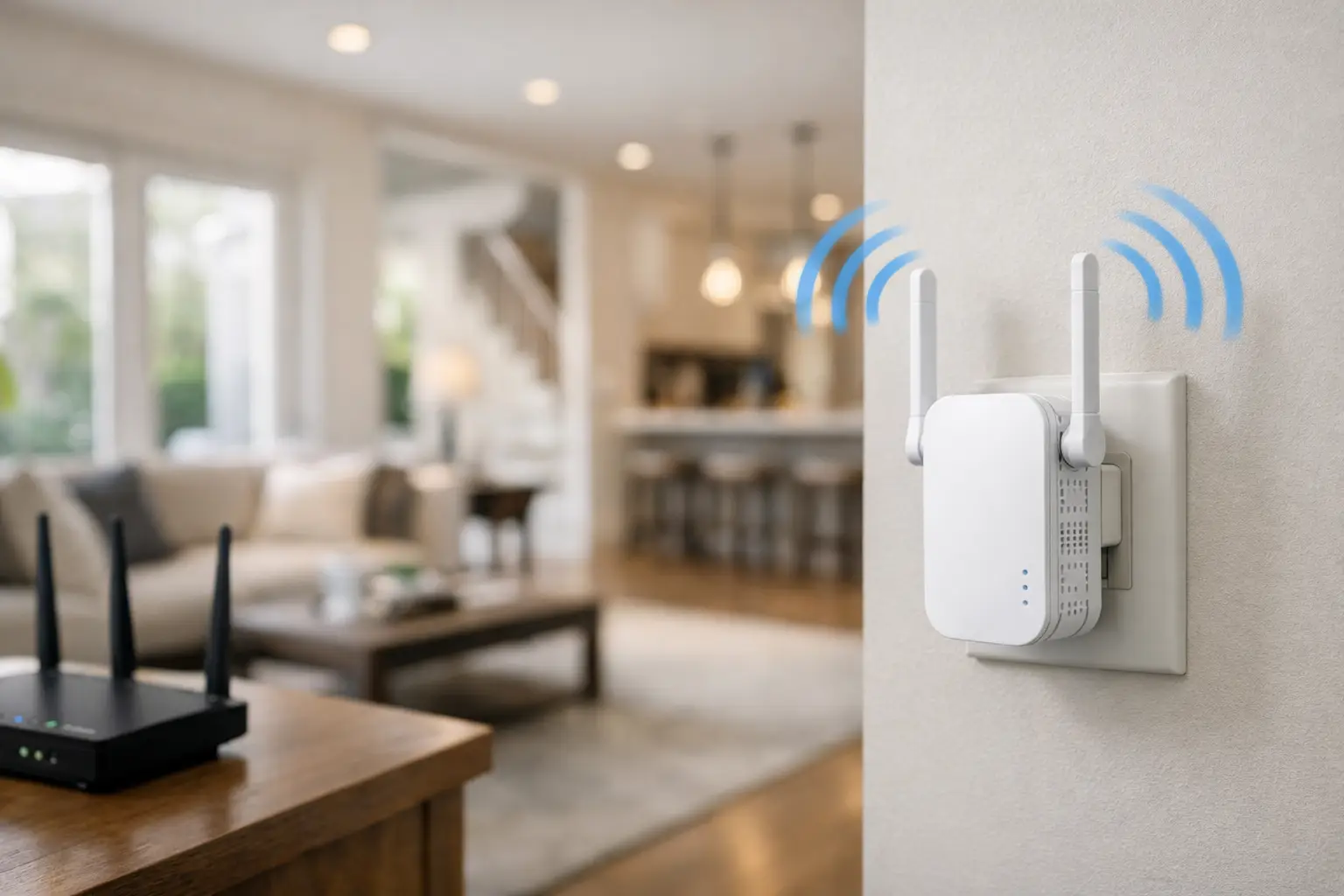
A weak signal in the upstairs bedroom, basement office, or detached garage is not always an internet plan problem. Often, it is a home layout problem. This WiFi extender review for large homes looks at what extenders do well, where they fall short, and how to choose coverage that keeps every room connected.
For families juggling video calls, 4K streaming, online gaming, schoolwork, and smart home devices, the goal is simple: dependable WiFi where you actually use it. An extender can be a cost-effective answer for one stubborn dead zone. But for larger homes with several weak areas, a whole-home mesh system may deliver better results.
WiFi Extender Review for Large Homes: The Short Answer
A WiFi extender is worth considering when your main router works well in most of the house but one room, floor, or outdoor area has unreliable coverage. It receives your existing WiFi signal and rebroadcasts it farther away. That makes it useful for a back bedroom, finished basement, workshop, or patio that sits just outside your router’s reach.
The trade-off is speed. Most traditional extenders use the same wireless connection to communicate with your router and your devices. That can reduce available speed, especially when several people are online at once. If your household has gig-speed internet but the extender is placed at the very edge of the router’s range, it cannot create fast service from a weak signal.
For a large home with multiple floors, thick walls, or a long layout, mesh WiFi is usually the stronger long-term choice. Mesh systems use two or more coordinated units to create one network throughout the home. Your phone, laptop, or TV can move between units without asking you to switch networks manually.
What Makes an Extender Good for a Large Home?
Not every extender is built for the same job. A small plug-in model may be enough to bring browsing and email to a guest room, while a larger desktop-style unit with external antennas can provide better reach for streaming and work devices.
Start with WiFi standard support. WiFi 6 extenders are a practical choice for busy homes because they handle multiple connected devices more efficiently than older WiFi 5 models. You do not need every device to be brand new to benefit, but a modern extender paired with a modern router can help reduce congestion.
Dual-band capability is also important. A dual-band extender can use both 2.4 GHz and 5 GHz bands. The 2.4 GHz band travels farther and handles walls better, while 5 GHz generally provides faster speeds at shorter distances. Tri-band models add another band, which can be reserved for communication between the router and extender. They cost more, but they can be worthwhile in homes where several people stream, game, or work from home at the same time.
Ethernet ports add flexibility. If your home office desktop, game console, or smart TV is near the extender, connecting it with an Ethernet cable can be more stable than relying on another wireless hop. This is especially helpful for video meetings and competitive gaming.
Finally, look for an extender that supports a single network name. Older units sometimes create a second network name, such as “HomeWiFi_EXT.” That works, but it can be annoying when devices hang onto the weaker network. Models with roaming support make day-to-day use easier.
Placement Matters More Than the Box
The most common extender mistake is plugging it into the dead zone. If there is barely any WiFi where the extender sits, there is barely any signal for it to repeat.
Place the extender roughly halfway between your main router and the area that needs better coverage. It should still receive a strong, stable signal from the router. In a two-story home, that may mean positioning it near the staircase, at the end of a central hallway, or in a room directly above the router.
Avoid placing it behind a television, inside a cabinet, near large appliances, or beside dense metal surfaces. Brick, concrete, plaster walls, radiant heating, and older construction materials can also weaken wireless signals. Large homes often need a little trial and error, so use the extender’s signal indicator or companion app to confirm that the location is working before settling on a final spot.
If possible, move your main router first. A router tucked in a basement corner or utility room has to push through more obstacles than one placed in a central, open location. Raising it onto a shelf and keeping it away from other electronics can make a noticeable difference before you buy additional equipment.
Extender vs. Mesh WiFi: Which Should You Choose?
An extender is the practical value option when coverage is mostly good and you need help in one area. It is also useful for households that want to improve WiFi without replacing their existing router. For example, a family might install one extender to bring stable internet to a detached home office or an upstairs student bedroom.
A mesh system makes more sense when weak coverage appears in several places. Consider mesh if your home is larger than about 2,500 square feet, has three levels, uses thick interior walls, or has a long ranch-style floor plan. It is also a better fit when family members regularly walk through the house while on calls or streaming content on mobile devices.
Mesh costs more upfront, but it can remove the frustration of separate networks, repeated reconnecting, and uneven performance. Many systems also offer app-based controls for guest access, device management, and parental settings.
There is one more option for homes with existing Ethernet wiring: wired access points. A wired connection between the router and a second access point provides excellent performance because the added WiFi point does not need to share its wireless connection with the main router. This is often the best technical choice for large homes, but installation can be more involved.
Make Sure Your Internet Speed Is Not the Limiting Factor
Better WiFi equipment cannot compensate for an internet connection that is too slow for your household’s activity. If four people are streaming, working on video calls, gaming, and backing up files at once, a basic plan may become the bottleneck even with perfect WiFi coverage.
Test your speed near the main router first, then test again in the problem room. If speeds are slow next to the router, talk to your provider about whether your current plan fits your usage. If speeds are strong by the router but drop sharply in distant rooms, the issue is likely WiFi coverage.
For homes served by S-Connect, the right combination of unlimited high-speed internet and properly placed WiFi equipment can make a major difference. Reliable service starts with the connection coming into the home, then depends on how well that connection reaches every device inside it.
A Practical Buying Checklist
Before choosing an extender, confirm four things: your router’s WiFi version, the size and layout of your home, how many devices are usually online, and whether the problem is limited to one area or spread throughout the house. Those answers matter more than a product’s biggest advertised coverage number.
Coverage claims are measured under ideal conditions. A manufacturer may advertise coverage for several thousand square feet, but real results change with walls, floors, interference, and device demand. Buy based on your actual layout, not just the number on the package.
If you only need to reach one dead zone, choose a dual-band WiFi 6 extender with good placement controls and an Ethernet port. If the whole home feels uneven, put that extender budget toward a mesh system instead. You will likely spend less time troubleshooting and more time enjoying the speed you already pay for.
The best choice is the one that makes the kitchen table, upstairs office, back bedroom, and family room equally useful places to connect. Start by testing your current signal, fix placement where you can, and add the right coverage solution for the way your household actually lives.